
How to Choose a Trading Pair for Your Bot in GT App
A trading pair is the market a GT App strategy trades: the coin it buys or sells and the currency it counts in, such as BTC/USDT. Every other setting, from the take profit to the safety orders and the stop loss, plays out on that pair’s price moves, so the pair shapes how the whole strategy behaves.
This guide shows where you choose the pair, what to check before you settle on one, what limits a pair puts on a strategy and how to compare a few pairs before real money. It describes the app as of October 2026. It doesn’t tell you which coin to trade, and nothing in it is a recommendation to buy or sell any asset.
Table of contents
- What is a trading pair in a trading bot?
- Where do you choose the pair in GT App?
- What should you check before choosing a pair?
- Can a bot trade gold, oil or stocks in GT App?
- What limits does a pair put on a strategy?
- How do you compare pairs before going live?
- What mistakes should you avoid?
- Frequently asked questions
What is a trading pair in a trading bot?
A pair has two sides: the base, the coin you trade, and the quote, the coin prices and amounts are counted in. BTC/USDT is bitcoin priced in USDT, a stablecoin that follows the US dollar. In Create Strategy, Binance pairs are counted in USDT and Hyperliquid pairs in USDC, so one coin is BTCUSDT on one exchange and BTCUSDC on the other. The full strategy form also lists Binance pairs quoted in other coins, so read both halves of the name.
What the pair asks of your balance depends on the market:
| Market | Long uses | Short uses |
|---|---|---|
| Spot | The quote coin, to buy the base coin | The base coin you already hold |
| Futures | Margin in the quote coin | Margin in the quote coin |
On spot you trade the coin itself: a Long spends USDT on it, and a Short sells coins that must already be in your account. On futures you don’t own the coin, and both directions run on margin, which is where leverage and liquidation come in. Long or Short: Choosing a Trading Bot’s Direction in GT App covers the direction, and Spot vs Futures vs Perps: A Beginner’s Guide the two markets.
Where do you choose the pair in GT App?
You set the pair when you create a strategy and can change it later while no deal is open:
| Where | Field | You pick from |
|---|---|---|
| Create Strategy | Symbol | BTC, ETH, SOL and a list of futures pairs |
| Full strategy form | Pair | The exchange’s pairs for spot or futures |
| Strategy screen | Pair | The same list, when no deal is open |
- In Create Strategy, pick Binance or Hyperliquid under Market Setup, then the pair under Symbol. BTC, ETH and SOL are one click away, and the list holds the other perpetual futures the backtest has prices for, so it is shorter than the exchange’s own. The backtest reruns on the new pair at once. Switching the exchange moves the coin to that exchange’s version of the pair; if the coin has no pair there, the builder falls back to BTC without a message, so check Symbol after every switch.
- In the full strategy form (Create Spot Strategy on My Strategies, or Advanced settings in the builder), choose the exchange connection, then Pair. The list holds the exchange’s pairs for that market, BTC/USDT and ETH/USDT on top, and you can type to search it.
- From a suggestion. An AI-generated strategy card brings the pair its model picked, on Binance, and the AI trading agent in Telegram picks one when it builds a strategy, or uses the one you name. Either way it is a suggestion you can change.
- In a running strategy, change Pair in Strategy settings and press Save Settings. While a deal is open, the field is locked: “The pair cannot be changed while a deal is active.” Otherwise the new pair applies from the next deal.
What should you check before choosing a pair?
None of these checks predicts where a price goes. They show how a market behaves, so you can judge whether your settings suit it:
| Check | Why it matters | Look at |
|---|---|---|
| Trading activity | Busy markets fill orders near the price you see | Volume and order book on the exchange |
| Size of moves | Take profit, safety orders and stop are set against them | The backtest chart over months |
| Direction over time | A long slide keeps a Long adding orders | A longer Date Range |
| Link to bitcoin | Coins that move together act as one position | Charts side by side |
| Age and news | Short history, renames and delistings | Exchange news |
- Trading activity. On a busy pair, orders fill close to the last price. On a quiet one, the same order can move the price, so you pay more going in and get less going out. The Create Strategy backtest assumes a 10 bps fee and 5 bps of slippage, that is 0.10% and 0.05%. For a quiet pair, switch on Override Fees & Slippage and raise Slippage (bps) to see what survives worse fills.
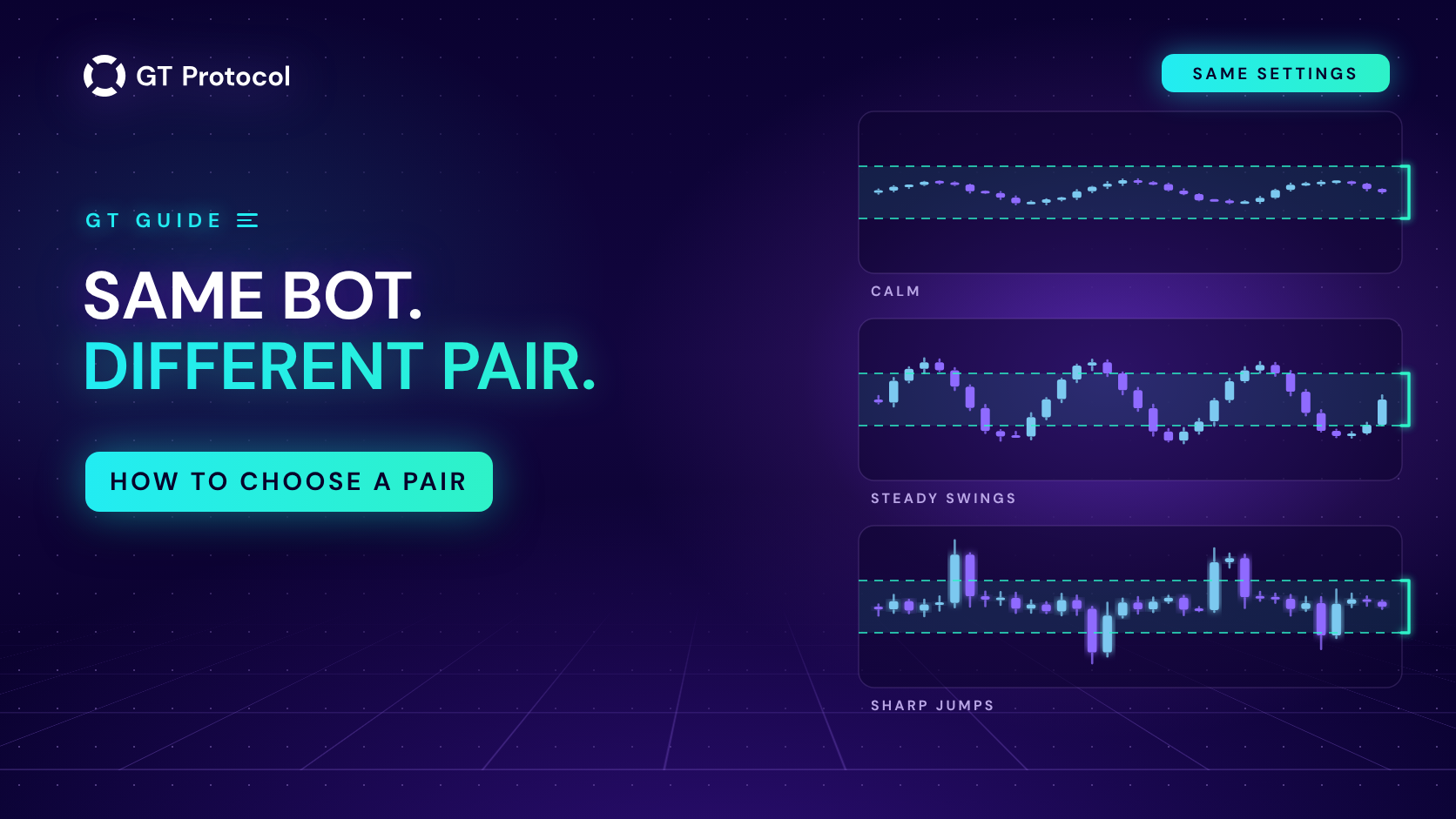
- Size of moves. Take profit, the safety-order step and the stop loss are percentages, and they only make sense next to how far the pair usually moves. A target far beyond its normal swings keeps deals waiting, and a swing wider than the whole ladder can fill it and reach the stop in one move. The timeframe changes this too: see How to Choose a Timeframe for Your Trading Bot in GT App.
- Direction over time. Safety orders add to a deal that goes against you, so a Long on a pair in a long slide keeps adding, and so does a Short in a long climb. Look at Last 6 Months or Last 1 Year before you pick a side, and see Trend Changer Strategy: When to Use, When to Avoid if you want the side to follow the trend.
- Link to bitcoin. Many coins move with bitcoin, so strategies on several of them can act like one larger position. That is why Macro Trend Changer follows bitcoin’s big trend for a strategy on any coin.
- Age and news. A coin listed a few weeks ago has only a few weeks of prices to test on. Exchanges also rename tickers and delist pairs, with notice in their announcements, and GT App doesn’t move a strategy to a new ticker: the strategy keeps its pair and stops opening deals. Switch the pair or stop the strategy before the date, and don’t carry an open deal into a delisting.
Can a bot trade gold, oil or stocks in GT App?
Yes, on Binance. Its futures include TradFi perpetuals on gold, silver, oil, indices and large US companies, margined in USDT, and its spot market lists tokenized stocks. You pick them from the same lists as any other pair. Hyperliquid’s separate stock and index markets aren’t available in GT App; there the app trades crypto perpetuals and spot pairs in USDC.
These markets trade around the clock but follow the hours of their home markets: activity thins out while the stock exchange is closed, and the price can jump when it reopens. TradFi Futures for AI Trading: Gold, Oil, Indices, NVIDIA and More and The Magnificent Seven Is Now Available for AI Trading on Spot cover both kinds.
What limits does a pair put on a strategy?
Some limits come with the pair itself:
- A minimum order. Every pair has a smallest order the exchange accepts, and on futures it is counted on the position, the margin times the leverage. On Binance futures at the time of writing it was 50 USDT for BTC/USDT, 20 for ETH/USDT and 5 for almost every other pair. The full form shows your pair’s minimum under the info icon next to Start order amount and won’t save a start order or a safety order below it. In Create Strategy, Start Order Size is the margin, and the line under it shows the position, “Margin: … → Position: …”. Keep that position above the minimum, or the launch is refused. How Much Money Do You Need to Start a Crypto Trading Bot? helps you size a budget.
- One strategy per futures pair on a connection. On futures, a pair that another isolated strategy on the same exchange connection uses is greyed out, even if that strategy is stopped: “This pair is already in use on this exchange connection.” A cross-margin strategy takes the whole connection. For a second strategy on the same pair, add a second connection, such as a Binance sub-account. Cross or Isolated Margin for a Futures Bot in GT App explains the rules.
- A leverage ceiling. Exchanges cap leverage pair by pair, on top of your plan’s limit. On Hyperliquid, the slider in the full form stops at the pair’s maximum. On Binance, check it yourself: above the pair’s maximum the deal doesn’t open, a notification says the leverage is too high for this pair, and the strategy stops.
- A locked pair during a deal. A strategy can’t move to another pair while its deal is open. Let the deal finish or close it; How to Manage an Active Deal in GT App shows how.
How do you compare pairs before going live?
The pair is the one setting you always choose yourself, so compare candidates on equal terms. In Create Strategy the backtest reruns on every switch:
- Keep the settings, change the pair. Run one strategy on two or three pairs and compare Trades, Win rate and Avg per trade. Then look at the chart: how long deals stay open and how far the price goes against them.
- Take a long window. Date Range goes up to Last 1 Year, and one month can be unusually calm or wild for a pair.
- Tune the pair you keep. Optimize tries other directions, take profits, stop losses and timeframes on your pair, and never changes the pair itself. How to Optimize a Crypto Trading Bot in One Click shows how to read its result.
- Watch it in Demo. A demo strategy trades the pair’s live prices with paper money. Backtesting vs Paper Trading: Which Test to Trust? explains why both tests matter.
- Start small. A real strategy from Create Strategy runs on isolated margin with the trading capital you enter, so it can lose only that amount.
A backtest shows how a pair traded, not how it will. How to Read a Backtest Report lists what to check besides the profit line.
What mistakes should you avoid?
- Choosing by headlines. A coin in the news this week tells you nothing about whether your settings fit the way it moves.
- Moving settings between pairs unchanged. A take profit and a ladder that suit one pair can be too tight or too loose for another. Rerun the backtest after every switch.
- Reading an AI card’s figure as a forecast. It comes from a backtest of the last month, and only ideas that were in profit over that month become cards. Treat the card’s pair as a starting point to test.
- Spreading across coins that move together. Several strategies on coins that follow bitcoin can all lose on the same day.
Frequently asked questions
Which trading pair is best for a bot?
There is no best pair for every strategy, and this guide doesn’t name one. A pair suits a strategy when its trading activity, the size of its moves and its direction over time fit the strategy’s settings and your budget. Compare two or three pairs in Create Strategy, then watch your choice in Demo.
Can GT App choose a pair for me?
It can suggest one: AI-generated strategy cards and the AI trading agent in Telegram both bring a pair, picked from backtests on past prices. Treat it as a suggestion to test, not as advice.
Can I change the pair of a running strategy?
Yes, when no deal is open: change Pair in Strategy settings and press Save Settings, and the new pair applies from the next deal. While a deal is open the field is locked. The cleanest way is to stop the strategy, switch the pair, save and start it again.
Why is a pair greyed out in the list?
On futures, another isolated strategy on the same exchange connection already uses that pair, even if it is stopped. Pick another pair, move the other strategy to a different one, or add a second exchange connection.
Why can’t I find a coin in the list?
Create Strategy lists only the perpetual futures its backtest covers. The full strategy form has everything the exchange offers on spot or futures. If the exchange doesn’t list a coin, GT App can’t trade it.
Why won’t the form accept my start order amount?
The amount is below the pair’s minimum order. The info icon next to Start order amount shows the minimum, and the same floor applies to every safety order. Raise the amounts, or fit your budget with fewer, larger safety orders.
Is this article investment advice?
No. It explains how choosing a pair works in GT App and what to check, and it doesn’t say which coin to trade. It is published by GT Research for information. GT Protocol provides software, not financial, investment, tax or legal advice, and every trading decision is your own.
Where to start
Open Create Strategy in GT App, set up a strategy and switch Symbol between two or three pairs you are considering: the backtest shows each with the same settings and window. Take Last 6 Months, watch how far deals go against you before they close, and run the pair that fits your settings in Demo before real money. New to the app? Four Steps from Sign-Up to Real-Money Trading in GT App shows where this fits.
This article is published by GT Research for information. It describes how choosing a trading pair works in GT App, and it is not financial advice or a recommendation to buy or sell any asset. Nothing here is a prediction or a promise of returns. Backtests and demo results are simulations on past or live prices and don’t predict how a strategy will perform with real funds. Trading digital assets, and futures with leverage in particular, carries a risk of losing some or all of the funds committed. GT Protocol provides software, not financial, investment, tax or legal advice. Binance and Hyperliquid are third-party platforms with their own terms, and GT App is not available in every jurisdiction; the Terms of Service list the restrictions.