
Long or Short: Choosing a Trading Bot's Direction in GT App
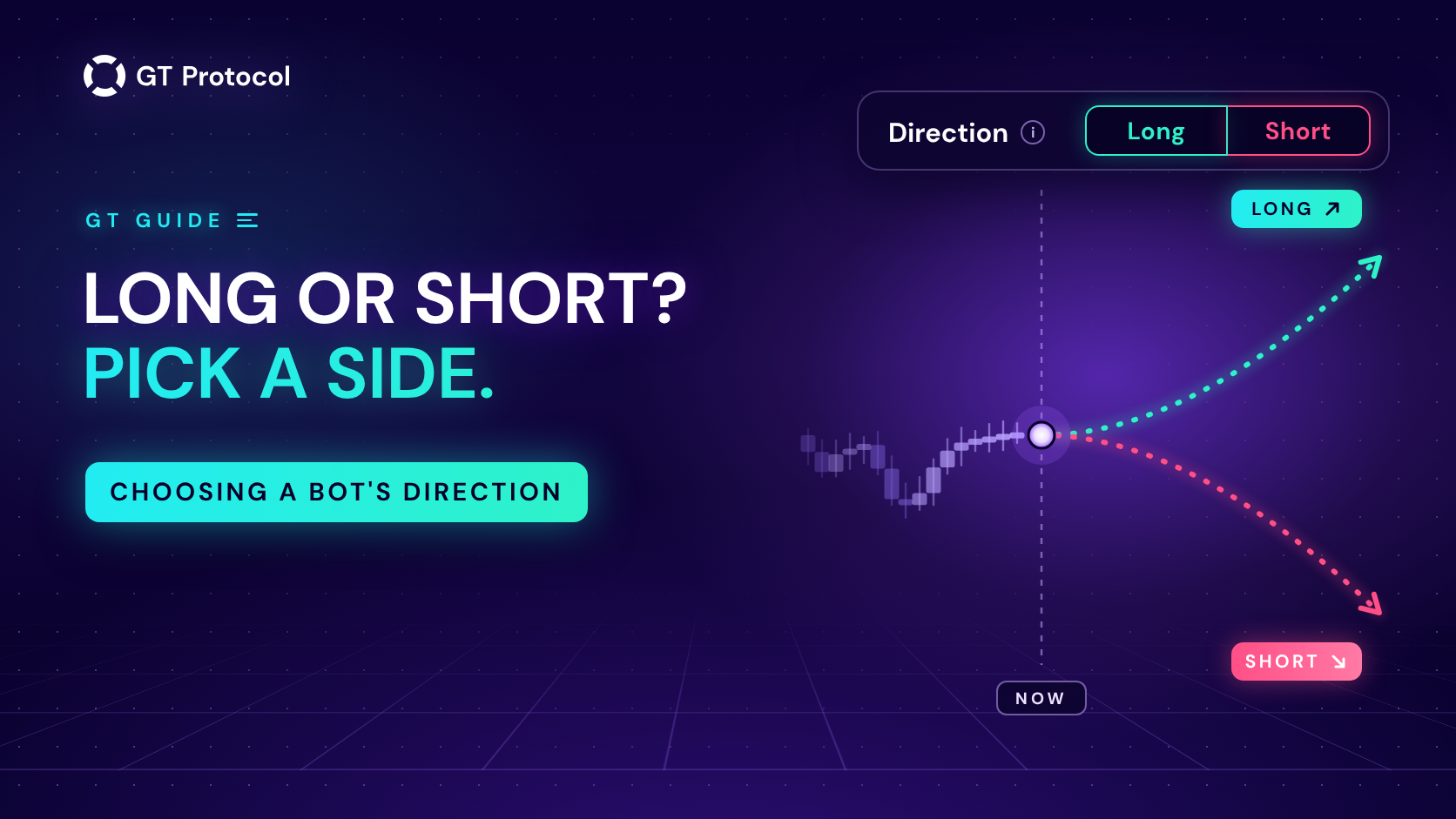
Every strategy in GT App trades in one direction. A Long buys first and aims to sell higher; a Short sells first and aims to buy back lower. You pick the direction when you create a strategy and can change it later, or let Trend Changer or Macro Trend Changer switch it when the trend turns.
This guide covers where you set the direction, how a Short works on spot and futures, how to choose a side and how the two trend settings turn a strategy for you. It describes the app as of October 2026 and doesn’t tell you which side to take.
Table of contents
- What do Long and Short mean for a trading bot?
- Where do you set the direction in GT App?
- How does a Short work on spot and on futures?
- How do you choose a side without guessing?
- Can you run Long and Short on the same coin at once?
- What happens to an open deal when you change direction?
- Can GT App switch the direction for you?
- What do the three modes do?
- What should you know before letting it switch?
- Frequently asked questions
What do Long and Short mean for a trading bot?
A GT App strategy works in deals. Each deal opens with a start order, can add safety orders while the price moves against it, and ends at a take profit or a stop loss. The direction decides which way all of that points:
| In a deal | Long | Short |
|---|---|---|
| First order | Buys | Sells |
| Gains when | The price rises | The price falls |
| Safety orders | Below the entry | Above the entry |
| Take profit | Above the average entry | Below the average entry |
| Stop loss | Below the entry | Above the entry |
| Liquidation on futures | Below the entry | Above the entry |
The builder’s tooltip next to Direction puts it in five words: “Buying dips or selling rallies.” The entry signals mirror too: with Bollinger Bands a Short waits at the upper band where a Long waits at the lower one, and Dip Entry waits for a rise instead of a drop. The take profit is counted the same way on both sides, after fees; on a Short it sits below the break-even price. How to Set Take Profit on a Trading Bot in GT App shows how.
Where do you set the direction in GT App?
- In the strategy builder. Open Create Strategy in the side menu: Direction, under Trading Parameters, has Long and Short buttons. The backtest redraws within a second of a switch, so you can compare both sides of the same settings on the same history.
- In the full strategy form. Create Spot Strategy, Create Futures Strategy, Create Demo Strategy and Strategy settings on a strategy’s own screen have the same choice under another name: a field called Strategy, with Long and Short buttons.
- On an AI-generated card. A card comes with its own direction, and Run loads it into the builder, where you can switch it. How to Use AI-Generated Trading Strategies in GT App covers the cards.
- With Optimize. In the builder, Optimize tries both directions along with take profit, stop loss and timeframe. If it finds a better version, its “Applied:” message names the side it picked. How to Optimize a Crypto Trading Bot in One Click explains it.
How does a Short work on spot and on futures?
A Long runs on USDT, or on USDC on Hyperliquid, in both markets. A Short depends on where it trades:
| Spot | Futures | |
|---|---|---|
| What it needs | The coin itself: BTC for BTC/USDT | Margin in USDT, or USDC on Hyperliquid |
| Order sizes in | The coin, or a % of it | USDT or USDC |
| A deal | Sells coins, buys the same amount back lower | Opens a short position, closes it lower |
| The gain lands in | The quote coin, such as USDT | Your futures balance |
| Leverage | None | Yes, with a liquidation price |
On spot nothing is borrowed, so a Short can only sell coins you already hold. Choose Short on BTC/USDT, and the order sizes switch from USDT to BTC. The strategy sells part of your BTC when it enters, sells more at higher prices if it has safety orders, and closes the deal by buying the same amount back below its average sale price: you keep your BTC and add the difference in USDT. If the price keeps climbing instead, buying the coins back costs more than the sale brought in, and a stop loss is what limits that loss.
On futures a Short needs no coins: it opens a position against your margin, and its liquidation price sits above the entry, closer with every step of leverage. Demo runs on live prices with a virtual balance, so both directions work there without coins. Spot vs Futures vs Perps: A Beginner’s Guide explains the two markets.
How do you choose a side without guessing?
Nobody knows which way the next move will go, and no setting in the app will tell you. What GT App gives you is three ways to base the choice on evidence:
- Read the BTC trend timeline. The card on the TOP Traders page shows Bitcoin’s confirmed trend, Long or Short, with the date it was confirmed. While a turn is building against it, a note starting with “Possible reversal to…” gives the date the turn would be confirmed and the price that would cancel it. Many coins follow Bitcoin’s direction, though not all equally. The card reads history; it doesn’t forecast.
- Backtest both sides. In the builder, switch Direction and compare the Trades, Win rate and chart for each side on the same history, then try Last 3 Months or Last 6 Months in Date Range. Or press Optimize, which tests both directions for you.
- Watch both in Demo. Accounts created in the app start with two demo strategies on the same pair, Demo Long and Demo Short. Watching them trade side by side on live prices shows how differently one market treats each side. What Are Demo Long and Demo Short in GT App? explains them.
A side that only works on one month of history is a weak choice; one that holds up on a longer window and then in Demo is a better candidate. Whichever you pick, set a stop loss you can live with: a Short in a rising market keeps adding safety orders, just as a Long does in a falling one.
Can you run Long and Short on the same coin at once?
- In Demo, yes. Demo Long and Demo Short trade the same pair by design, and you can add your own demo strategies on one coin in both directions.
- On futures, not on one exchange connection. The exchange keeps one position per coin, so GT App won’t start a second futures strategy on a coin that another of your strategies is already trading on that connection. It becomes possible once the first strategy is stopped and has no open deal.
What happens to an open deal when you change direction?
You can switch a running strategy from Long to Short, or back, in its Strategy settings. The open deal isn’t turned around: it keeps its direction and ends at its own take profit or stop loss, and the next deal opens the new way. On spot, check your balances first, because the next deal needs the coin for a Short or the quote coin for a Long.
If you want the current deal to end now, close it from the strategy’s screen before you switch. How to Manage an Active Deal in GT App explains what closing a deal does.
Can GT App switch the direction for you?
Yes. Two settings watch for a turn and can act on a running strategy. In the table, Macro stands for Macro Trend Changer:
| Trend Changer | Macro | |
|---|---|---|
| Watches | The KDJ indicator on your strategy’s own pair | Bitcoin’s confirmed macro trend |
| Timeframe | One you pick, from 1 minute to 1 month | Months |
| How often | Often; the shorter the timeframe, the more | Two to five times a year since 2018 |
| Where | The builder and the full form | The full form |
| On by default | In the full form, in Notification mode | No |
Trend Changer follows the swings of your own coin; Macro Trend Changer ignores them and reacts only when Bitcoin’s large trend has changed, whatever your strategy trades. Trend Changer Strategy: When to Use, When to Avoid and New in GT App: Macro Trend Changer Reads Bitcoin’s Trend cover each in depth.
What do the three modes do?
In the full form, both settings offer the same three modes:
| Mode | Effect | Open deal |
|---|---|---|
| Notification | Nothing. You get an alert and decide | Untouched |
| Direction auto switch | The strategy’s direction flips; the next deal opens the new way | Keeps its direction until its take profit or stop loss |
| Immediate switch | The direction flips at once | Stopped now: closed at market on futures; on spot its orders are cancelled and what it has bought or sold stays as it is |
In every mode the alert arrives in the app and, if your account is connected to the AI trading agent, in Telegram, even when Send All notifications is off. It starts with the strategy’s name, and Trend Changer’s reads: “ATTENTION: The Trend Changer indicator shows the beginning of a SHORT trend.” Macro Trend Changer’s says “the Macro Trend Changer signal shows the beginning of a … trend”. LONG or SHORT stands for the new direction. The automatic modes add where the next trade will go, and Immediate switch adds “The current trade will be stopped.”
What should you know before letting it switch?
- Immediate switch can close a deal at a loss. It stops the deal wherever the price is at that moment. The setting’s own description in the app warns about it: “activating this feature may result in trades closed at a loss.”
- A switch doesn’t open a deal by itself. After the flip, the strategy waits for its next entry signal in the new direction. Only a strategy with Immediate start as its entry opens the next deal straight away.
- Macro Trend Changer is late by design. It acts only on a confirmed change, when the move is already well under way, so it suits long trends and works against you in a choppy market.
- Turning a setting on doesn’t move a strategy to the current trend. Both react to the next turn, and only strategies that are running at that moment are switched.
- Only one of the two can reverse a strategy automatically. While one is set to Direction auto switch or Immediate switch, those two modes are unavailable on the other; Notification can stay on in both. The app’s tooltip puts it plainly: “the two can’t both auto-reverse the bot at once.”
- In the builder, Trend Changer takes over Direction. Turn it on and both Long and Short light up and stop being buttons: the backtest now trades both ways. The switch means Direction auto switch, and Immediate Start under it makes the switch immediate, closing the open deal at market on a turn. The live strategy starts in the direction selected before you turned Trend Changer on; the summary in the third block shows which.
Frequently asked questions
Is Long or Short more profitable?
Neither, by itself. Each side gains in the market it is built for and loses in the opposite one, and crypto has had long stretches of both. That’s why a longer backtest and a run in Demo come before real money, and why a stop loss matters on both sides.
Do I need to own the coin to run a Short?
On spot, yes: a Short sells coins you already hold, such as BTC on BTC/USDT, and its order sizes are set in that coin. On futures, no: a Short opens a position against your USDT or USDC margin. Demo needs no coins for either side.
Can I switch a running strategy from Long to Short?
Yes, in Strategy settings on the strategy’s screen. The open deal keeps its direction until its take profit or stop loss, and the next deal opens the new way.
Why can’t I press Long or Short in the builder?
Trend Changer is on. It takes the choice over: both buttons light up, and the backtest trades both ways. Turn Trend Changer off to pick a side yourself.
Why do I get Trend Changer alerts I didn’t turn on?
New strategies in the full form start with Trend Changer on in Notification mode, on 1-minute candles, which can mean frequent alerts. In that mode it never touches your trades. To stop the alerts, switch it off in the strategy’s settings or choose a longer timeframe under Klines.
Can Trend Changer and Macro Trend Changer work together?
Yes, with one limit: only one of them can be in an automatic mode, Direction auto switch or Immediate switch, on the same strategy. Notification can be on in both.
Is this article investment advice?
No. It explains how the direction settings work in GT App and doesn’t say which side to take on any coin. It is published by GT Research for information. GT Protocol provides software, not financial, investment, tax or legal advice, and every trading decision is your own.
Where to start
Open Create Strategy in GT App, set up a strategy on a coin you know and switch Direction between Long and Short: the backtest shows how each side handled the same month. Check both on Last 3 Months, then launch the one that holds up in Demo and watch it on live prices. When you add Trend Changer, start with Notification mode in the strategy’s settings, so you see its turns before you let it act on them. New to the app? Four Steps from Sign-Up to Real-Money Trading in GT App shows where this fits.
This article is published by GT Research for information. It describes how the Long and Short directions, Trend Changer and Macro Trend Changer work in GT App, and it is not financial advice. Nothing here is a prediction or a promise of returns. Backtests and demo results are simulations on past or live prices and don’t predict how a strategy will perform with real funds. Trading digital assets, and futures with leverage in particular, carries a risk of losing some or all of the funds committed; a Short on futures can be liquidated when the price rises. GT Protocol provides software, not financial, investment, tax or legal advice. Binance and Hyperliquid are third-party platforms with their own terms, and GT App is not available in every jurisdiction; the Terms of Service list the restrictions.