
New in GT App: Macro Trend Changer Reads Bitcoin's Trend
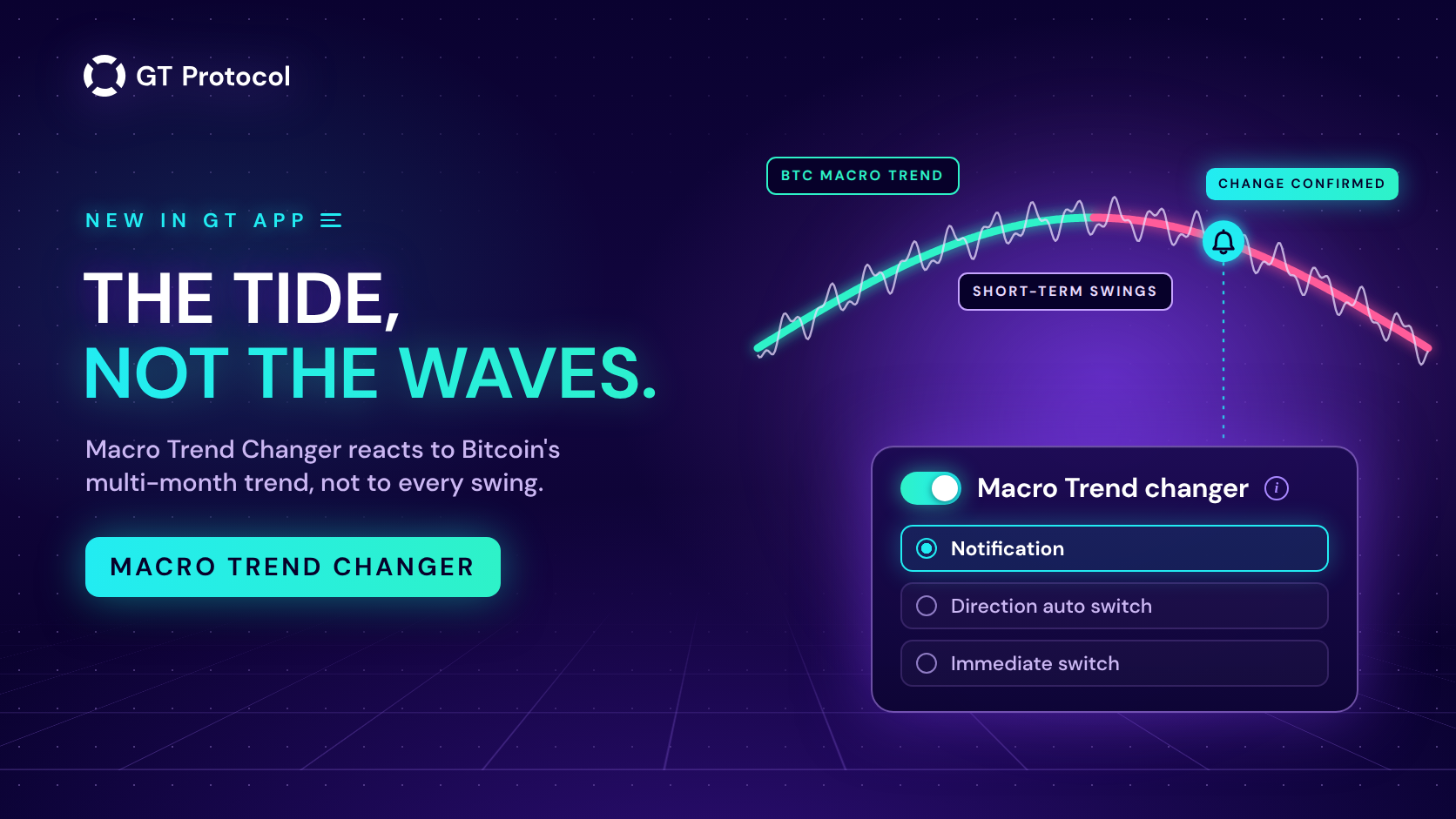
GT App has launched Macro Trend Changer, a new strategy setting that lets any bot react to Bitcoin’s macro trend: the direction of the market over months, not minutes. When that trend is confirmed to have changed, the setting can alert you, switch your strategy’s direction from the next deal, or close the current deal and switch at once.
It went live on 1 October 2026, together with a BTC trend timeline card on the TOP Traders page. This article covers what is new, the market data behind the idea, how often the signal comes and why it comes late on purpose, what each mode does, and how to start without expecting more from a trend signal than it can give.
Table of contents
- What’s new in GT App?
- Why should a bot on another coin watch Bitcoin?
- What does the wrong side of a macro trend cost?
- When does Macro Trend Changer act, and why late?
- What do the three modes do?
- Which mode should you start with?
- How is it different from Trend Changer?
- How do you read the BTC trend timeline card?
- How do you turn it on?
- What doesn’t Macro Trend Changer do?
- Frequently asked questions
What’s new in GT App?
Two things arrived on 1 October 2026:
- Macro Trend Changer in the strategy settings form, right below Trend Changer. It is a switch with three modes: Notification, Direction auto switch and Immediate switch. It works on spot and futures strategies, in demo and on real accounts.
- BTC trend timeline, a card at the top of TOP Traders (Trading in the menu). It shows Bitcoin’s current macro trend, how long it has lasted, the checkpoint where a turn would first be flagged, and the history of past trends on a price chart.
Both run on the same source: a model of Bitcoin’s macro trend built only from Bitcoin’s daily closing prices since 2010, with no halving-cycle models and no textbook indicators. The signal is one and the same for every strategy, whatever coin it trades.
Until now, the signals built into GT App, the Bollinger and KDJ entries and Trend Changer, all read the chart of the strategy’s own pair. Macro Trend Changer is the first to look at the coin most of the market follows, and to apply what it sees to every pair.
Why should a bot on another coin watch Bitcoin?
Because most of the market moves with it. Over the twelve months to 30 September 2026, the daily price changes of ten large altcoins on Binance correlated with Bitcoin’s at a median of 0.81, where 1.0 would mean moving in lockstep:
| Coin | Correlation with BTC |
|---|---|
| ETH | 0.91 |
| SOL | 0.87 |
| XRP | 0.87 |
| LINK | 0.82 |
| ADA | 0.81 |
| DOGE | 0.80 |
| BNB | 0.77 |
| LTC | 0.71 |
| BCH | 0.64 |
| TRX | 0.44 |
TRX is the outlier here, and a high correlation doesn’t make two coins the same: an altcoin can drift on its own news for weeks. For most of the market, though, Bitcoin’s direction is the tide that everything else floats on. That is why Macro Trend Changer reads one signal, Bitcoin’s, and applies it to a strategy on any pair.
The link is strongest on the way down. In Bitcoin’s 14 macro downtrends from 2018 to September 2026, the altcoins on that list fell further than Bitcoin in 92 of 132 cases, with a median fall of 44% against Bitcoin’s 35%. In the uptrends it was close to a coin toss: altcoins rose more than Bitcoin in 60 of 130 cases. A long strategy on an altcoin usually takes Bitcoin’s bad months harder than Bitcoin does.
These figures are our own, computed from public daily prices on Binance, and they describe the past. They say nothing certain about the next trend.
What does the wrong side of a macro trend cost?
This is where the money question sits, and it is a question about losses, not gains. Since 2017 Bitcoin has gone through 15 macro downtrends. Every one of them took more than 10% off the price; the median fall was 35% and the largest 69%.
What a move like that does to a strategy depends on how the strategy is built:
- A leveraged long. At 10x leverage, a move of less than 10% against the position is enough to liquidate it, and every one of those downtrends was bigger than that. How to avoid liquidation explains what moves the liquidation price.
- A long DCA strategy. Safety orders keep buying as the price falls. In a short dip that brings the average entry closer to the price; in a downtrend that lasts months, it builds a large position against the trend, and the deal waits for a recovery or ends at its stop loss.
- A long strategy that restarts after a stop loss. It re-enters the same falling market on its next signal.
Macro Trend Changer is built around this one risk: a strategy that keeps trading in one direction after the market has turned for months. It doesn’t make a strategy profitable, and it can’t promise to keep one out of a losing deal. What it adds is a view of the trend that most of the market follows, and a reaction when that trend changes.
When does Macro Trend Changer act, and why late?
The setting acts only on a confirmed change of Bitcoin’s macro trend. When Bitcoin goes long enough without a new high in an uptrend, or a new low in a downtrend, the model first flags a possible turn; the BTC trend timeline card marks that checkpoint. Strategies are switched later, only once the turn is confirmed.
We replayed the signal over Bitcoin’s history day by day, using only the prices that were available on each day. Four things stand out:
- It is late by design. By the time a change was confirmed, Bitcoin had already moved a median of 29% away from the turning point (25 confirmed changes since 2017). It won’t catch a top or a bottom; it tells you that one has happened.
- It is rare. Since 2018 the confirmed trend has changed two to five times a year. A strategy can go months without a single switch.
- It can be wrong. Since 2017, three confirmed changes were undone within a week, and in choppy years the trend flips often: five times in 2022.
- Short trends are its weak spot. When a trend lasts about as long as confirmation takes, the switch can arrive when the move is nearly over.
That is the trade-off of any confirmed trend signal: fewer false alarms in exchange for a late answer. It suits long, persistent trends and works against you in a market that keeps changing its mind.
What do the three modes do?
| Mode | What changes | The open deal |
|---|---|---|
| Notification | Nothing. You get an alert and decide | Untouched |
| Direction auto switch | The strategy’s direction flips; the next deal opens the new way | Keeps its direction until its take profit or stop loss |
| Immediate switch | The strategy’s direction flips at once | Stopped now: closed at market on futures; on spot its orders are cancelled and the coins it bought stay in your account |
In every mode the alert arrives in the app and, if your account is connected to the AI trading agent, in Telegram, even when Send All notifications is off. It names the strategy and reads: “ATTENTION: the Macro Trend Changer signal shows the beginning of a … trend”, with the new direction in place of the dots. The automatic modes add where the next trade will go, and Immediate switch adds that the current trade will be stopped. The same event is written to the strategy’s trading log.
The app’s description of the setting carries a warning worth repeating: activating it may result in trades closed at a loss. That applies most directly to Immediate switch, which closes a deal wherever the price is at that moment. How to Manage an Active Deal explains what closing and cancelling a deal mean in GT App.
Which mode should you start with?
We suggest Notification. A confirmed change in Bitcoin’s macro trend is a rare event, and the alert puts it in front of you on the day it is confirmed. What to do with a particular strategy depends on things the signal can’t see: the coin, the timeframe, the stop loss, how deep the open deal already is. With an alert, you make that call. With the automatic modes, the platform makes it for you, on a signal that is late by design.
If you want to see an automatic mode at work, try it in demo first. A demo strategy with Direction auto switch shows how the setting behaves on live prices without real money at risk; What Are Demo Long and Demo Short covers how demo strategies work. Keep Immediate switch for strategies where closing a deal at a loss at an unplanned moment is acceptable to you.
How is it different from Trend Changer?
GT App already had Trend Changer, and the two sit next to each other in the settings form. They answer different questions; in the table, Macro stands for Macro Trend Changer:
| Trend Changer | Macro | |
|---|---|---|
| Reads | The KDJ indicator on the strategy’s own pair | Bitcoin’s macro trend, built from daily closes |
| Timeframe | One you pick, from 1 minute to 1 month | Months |
| Signals | Often, depending on the timeframe | Two to five a year since 2018 |
| Modes | Notification, Direction auto switch, Immediate switch | The same three |
Only one of the two can reverse a strategy automatically. While one is set to Direction auto switch or Immediate switch, those two modes are unavailable on the other, so the settings don’t flip the strategy back and forth on different schedules. Notification can stay on in both. Trend Changer Strategy: When to Use, When to Avoid covers the indicator-based one.
How do you read the BTC trend timeline card?
Open TOP Traders in GT App: the card sits under the banners, above the list of strategies. Collapsed, it shows the current trend, long or short, with the number of days it has run, and a timeline of that trend. On the timeline you’ll find:
- The latest high or low of the trend, and hatching for the days since it was set.
- The checkpoint. If no new high (or low) comes by that date, the card flags a possible reversal. That flag is the first, provisional signal; strategies are switched only when the turn is confirmed later.
- The gold window, the middle 50% of estimated dates for a change, conditional on the trend continuing. It is an estimate drawn from past trends, not a promised date.
- Past trends, a switch that overlays how long earlier trends lasted.
Show chart opens Bitcoin’s price coloured by trend direction, over 1 year, 3 years, since 2017 or all history. Dots mark reversals, and hollow dots are provisional ones. Grey boxes show sideways ranges. Chart layers add ladder trades and a target BTC allocation, which show how a time-based rule would have scaled in and out of Bitcoin in the past, and price levels drawn from the size of past moves. Read them as statistics from history, not as advice on what to buy or sell now. The snapshot date is printed on the card.
How do you turn it on?
- Open a strategy from My Strategies (Trading in the menu), or start creating a new one.
- In the settings form, find Macro Trend changer below Trend Changer and turn the switch on. Notification is selected by default.
- Pick a mode and save the strategy.
Strategies built in the strategy builder get the switch in their settings once they are created.
Then nothing happens until the next confirmed change. The setting doesn’t move a strategy to the current trend when you turn it on; the direction stays the one you chose. Which direction a strategy starts with remains your decision, and the card shows what the current trend is. When a change comes, only strategies that are running at that moment are switched.
What doesn’t Macro Trend Changer do?
- It doesn’t forecast. It confirms a change after the change has started.
- It doesn’t pick your direction when you turn it on.
- It doesn’t act on the provisional signal shown at the card’s checkpoint, only on a confirmed change.
- It doesn’t replace a stop loss. Months can pass between two confirmed changes; the stop loss is what limits a single deal.
- It doesn’t guarantee a better result. A switch can come late, and in a choppy market it can flip a strategy shortly before the price turns back.
Frequently asked questions
Does Macro Trend Changer work on spot and futures?
Yes. The switch is in the settings of spot and futures strategies, both in demo and on real accounts.
Does it work if my strategy doesn’t trade Bitcoin?
Yes. The signal always comes from Bitcoin’s macro trend and applies to a strategy on any pair. That is the point of the feature: most large coins follow Bitcoin’s direction, though not all of them equally.
How often will it trigger?
Rarely. Since 2018 the confirmed trend has changed two to five times a year, and months can pass without a change.
Can Immediate switch close my deal at a loss?
Yes. It stops the current deal at the moment of the change, wherever the price is. If that is a risk you don’t want to take, use Notification or Direction auto switch, which lets the open deal finish on its own terms.
Can I use it together with Trend Changer?
Yes, with one limit: only one of the two can be in an automatic mode (Direction auto switch or Immediate switch) on the same strategy. Notification can be on in both.
Is the BTC trend timeline card a price forecast?
No. It shows the current trend and the history of past trends. Its date window and price levels are estimates from that history, shown with their uncertainty, not promises or trading advice.
Where to start
Open TOP Traders in GT App and look at the BTC trend timeline card. Then open the strategies you run and turn on Macro Trend changer in Notification mode: the next time Bitcoin’s macro trend changes, you’ll get an alert on the day it is confirmed, and the decision stays yours.
This article is published by GT Research for information. It describes a feature of GT App as it works on 1 October 2026 and the market data behind it, and is not financial advice. Figures about past trends are historical, computed by GT Research from public price data; they don’t predict future trends or results. Trading digital assets carries a risk of losing some or all of the funds committed. GT Protocol provides software, not financial, investment, tax or legal advice. GT App is not available in every jurisdiction; the Terms of Service list the restrictions.