
Immediate Start: Trading Bots Without an Entry Signal
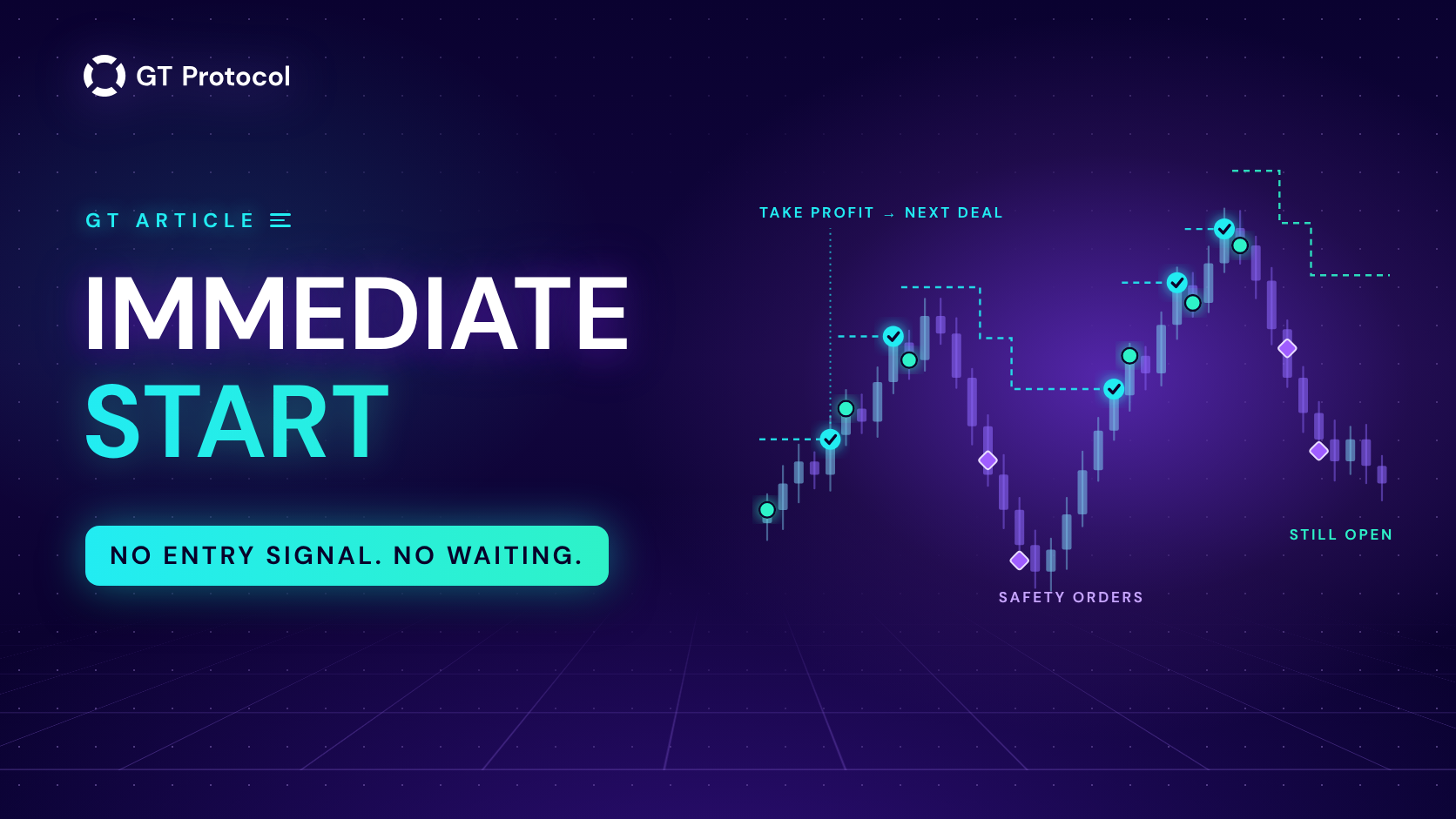
Immediate Start is an entry setting in GT App that opens a deal as soon as a strategy is switched on, and the next deal as soon as the previous one closes. It skips the entry signal, so the bot spends almost all its time in the market. That suits some conditions well and others badly.
This guide explains how the setting works in GT App, how it differs from signal entries such as Bollinger Bands and KDJ, when it makes sense, when it hurts, and how to set it up so that a bad run stops by itself instead of repeating.
Table of contents
- What is Immediate Start?
- How does Immediate Start work in GT App?
- How does Immediate Start compare with signal entries?
- When does Immediate Start make sense?
- When should you avoid Immediate Start?
- How do you set up Immediate Start in GT App?
- How often do GT App traders use Immediate Start?
- Can you backtest Immediate Start?
- Frequently asked questions
What is Immediate Start?
Immediate Start is one of five ways a GT App strategy can decide when to open a deal. In the strategy form they sit under Trading signals: the Automated trading signal, built on Bollinger Bands; KDJ; TradingView signals from your own alerts; Manual start, where a deal opens only when you press the button; and Immediate start. The first three wait for a condition in the market. Manual start waits for you. Immediate start waits for nothing: it opens a deal at the current price whenever the strategy has no open deal, and it has no timeframe setting, because there is no indicator to read. Everything after the entry works as in any other strategy. The start order, safety orders, take profit, stop loss and trailing all follow your settings. The only thing that changes is the moment a deal begins, and that one change turns out to shape almost everything about how the strategy behaves.
How does Immediate Start work in GT App?
The trading engine checks running strategies about every 25 seconds. When a strategy on Immediate Start has no open deal, it gets one at that check: the start order goes in at the current price, and the deal runs its normal course. When the deal closes, the next check opens a new one. That happens after a take profit, after a deal you close by hand, and after a stop loss when the stop loss action is set to close the deal. Strategies on signal entries behave differently. After a deal they wait for the next signal on their timeframe, which the app itself estimates at one to five hours. So in practice a strategy on Immediate Start is out of the market for a minute or two between deals, and a signal strategy for hours. Only a few things end the cycle, and it is worth knowing them before the first launch.
What ends the cycle:
- Stopping the strategy. Closing a deal by hand does not stop it: a new deal opens at the next check.
- A stop loss with the action “Stop the strategy and close the deal”. With the action “Close deal”, the next deal opens right away.
- Open several deals & stop. The strategy pauses after the number of deals you set.
How does Immediate Start compare with signal entries?
A signal entry is a filter. The bot trades only when the market looks the way the indicator is built to catch, and sits in cash the rest of the time. Immediate Start removes the filter and keeps the rest of the strategy, which is the whole trade-off: you give up the chance to wait for a better moment, and in return you get more deals and far less time out of the market. The table compares Immediate Start with a signal entry, Bollinger or KDJ, on the points that matter in practice: when the first deal opens, what happens after a deal closes, how much of the time the strategy holds a position, and whether you can test the entry in GT AI Backtest. For a closer look at one of the indicator entries, our KDJ guide explains which signals a bot reads from the indicator and how their frequency changes with the timeframe. The Automated signal works on the same principle, a condition on an indicator, with Bollinger Bands instead of KDJ.
| Immediate | Signal entry | |
|---|---|---|
| First deal opens | At the next engine check | When the indicator signals on your timeframe |
| After a deal closes | Next deal at the next check | Waits for the next signal |
| Time in the market | Almost all the time | From a signal to the exit |
| Timeframe setting | None | Yes |
| Tested in GT AI Backtest | No | Yes |
TradingView signals and Manual start sit in between: the strategy waits for your alert or your button press, so it trades as often as you tell it to, and neither can be replayed in GT AI Backtest. The table describes GT App as of September 2026.
When does Immediate Start make sense?
Immediate Start makes sense when you already have a view on direction and want the bot to work that view continuously, rather than wait for an indicator to agree. Three situations fit that description. The first is a steady trend in the direction of your strategy: a signal entry can sit out for hours while price moves on, while Immediate Start opens the next deal right away, so the strategy is in the market if the move continues. The second is spot accumulation, where you are comfortable holding the coin through a drawdown. Spot has no liquidation, safety orders average the entry down, and every take profit returns the deal to cash before the next one starts. The third is a futures strategy with Trend Changer set to switch direction automatically. When Trend Changer detects a reversal signal, the open deal keeps running, and the next deal, which Immediate Start opens straight away, takes the new direction. The strategy stays in the market and changes direction on Trend Changer’s signal instead of waiting for a new entry; if that signal turns out wrong, the new deal opens against the move.
What these cases share is a take profit that the market can reach often, a balance that covers the whole ladder of safety orders, and a trader who accepts being in a position almost all the time.
When should you avoid Immediate Start?
The property that makes Immediate Start busy is the same one that makes it dangerous in the wrong market: it never waits for conditions to improve. In a sustained move against your direction, a signal strategy would usually stop opening new deals, while Immediate Start keeps opening them. If a deal ends in a stop loss and the action is set to close the deal, the next one opens at the next check, into the same move, and the pattern can repeat. On futures, the strategy carries liquidation risk almost all the time, not only while a signal plays out, so leverage that feels comfortable for occasional deals adds up. Every deal also pays exchange fees on the way in and on the way out, and the smaller the take profit, the bigger the share of each cycle those fees take. Finally, Immediate Start is the wrong tool when timing matters to you, for example around scheduled news, or when you only want to buy on pullbacks.
How do you set up Immediate Start in GT App?
Setting it up takes one choice in the strategy form, but a few other settings decide whether the strategy behaves well once it is running. A strategy that is always on meets every weak spot in its configuration sooner than one that trades now and then, so the ladder, the stop loss and the stop rules deserve more attention than the entry itself. The steps below assume a new strategy; on an existing one, a changed entry applies from the next deal. Start on demo. Immediate Start can’t be backtested, as explained below, so a demo run is the first honest look at how often the strategy trades and how deep its drawdowns get with your settings.
- Create a strategy (spot, futures or demo) and choose the pair, direction and amounts as usual.
- Under Trading signals, select Immediate start. There is no timeframe to pick.
- Size the safety orders so the whole ladder fits your balance, because a strategy that is always on will use it sooner or later. Our guide to setting safety orders shows how to check the total. Futures strategies start in Safe Mode, which caps how much margin a deal can use.
- Decide what a stop loss should mean. If you set one and want a pause after a loss rather than an immediate new deal, choose the action Stop the strategy and close the deal.
- Consider Open several deals & stop to cap the number of deals before you review the results.
- Launch on demo first and watch the first ten deals: how quickly they close, how many safety orders they use and how deep the drawdowns get. Paper Trading Your First Bot covers what to look for.
You can also ask for this entry in plain words through the GT App AI agent in Telegram: a request such as “buy BTC at market and sell at plus 1%” becomes a strategy card with Immediate start and exactly the take profit you named.
How often do GT App traders use Immediate Start?
On 29 September 2026, Immediate Start was the entry on about one in five real-money strategies running on GT App, and on the strategies of about one in four of the people running them. Bollinger Bands, the default, was on about three in five. The deal counts look very different. Over the previous 30 days, strategies on Immediate Start opened about seven in ten of all real-money deals on the platform, because they never wait between deals, and most of those deals came from a small number of accounts. Two cautions come with these numbers. They count deals, not results: a strategy that trades more often is not a strategy that earns more, which is the same trap as reading win rate without average profit. And they describe what traders chose, not proof that the choice worked for them. Accounts belonging to our own team are excluded from all of these counts.
Can you backtest Immediate Start?
Not directly. GT AI Backtest starts its simulated deals from indicator signals, so it can replay the Bollinger and KDJ entries but not an entry that ignores the market. A backtest of the same pair, take profit and safety orders on a signal entry is still useful as a baseline for how the ladder behaves, but it will show fewer deals and more time in cash than Immediate Start would have. The honest test is a demo strategy: the same settings on live prices, without real money. Our comparison of backtesting and paper trading explains what each test can and cannot tell you. One naming note to avoid confusion: in Backtest mode, the Trend Changer block has a switch that is also called Immediate Start. It is a Trend Changer option, separate from the entry setting this guide describes, and it is covered in our Trend Changer guide.
Frequently asked questions
Does Immediate Start wait for anything?
Only for the current deal to close and for the engine’s next check, which runs about every 25 seconds. It does not wait for a price level, for volume or for an indicator.
What happens after a stop loss?
It depends on the stop loss action. With Close deal, the strategy stays on and opens the next deal at the next check. With Stop the strategy and close the deal, it stops and waits for you to switch it back on.
How do I pause a strategy on Immediate Start?
Stop the strategy. Closing the open deal by hand is not enough: the strategy stays on, and a new deal opens at the next check.
Can I limit how many deals it opens?
Yes. Open several deals & stop pauses the strategy after the number of deals you set, and you can switch it back on after reviewing the results.
Does Immediate Start work on spot, futures and demo?
Yes. The same entry options appear in the strategy form for spot, futures and demo strategies, on both exchanges GT App supports, Binance and Hyperliquid.
Is Immediate Start better than a signal entry?
Neither is better in general. Immediate Start trades more and waits less; a signal entry trades less and waits for a condition. Which one fits depends on the market and on how much time in a position you are willing to accept.
Is this article investment advice?
No. It is published by GT Research for information. GT Protocol provides software, not financial, investment, tax or legal advice. Settings mentioned here are examples of how the tool works, not recommendations, and every trading decision is the reader’s own.
Where to start
Pick a pair you already understand and create a demo strategy in GT App with Immediate start, a stop loss that stops the strategy, and a cap on the number of deals. Let it run for ten deals. If the drawdowns stay within what you are willing to hold, you have something concrete to weigh before any real money is involved; if they don’t, a signal entry is probably the better fit for that pair.
This article is published by GT Research for information. It is not financial advice, and nothing here is a prediction or a promise of returns. Demo results are simulations and do not predict how a strategy will perform with real funds. Trading digital assets, and futures in particular, carries a risk of losing some or all of the funds committed. GT Protocol provides software, not financial, investment, tax or legal advice. GT App is not available in every jurisdiction; the Terms of Service list the restrictions.