
How to Start Crypto Trading as a Beginner, Step by Step
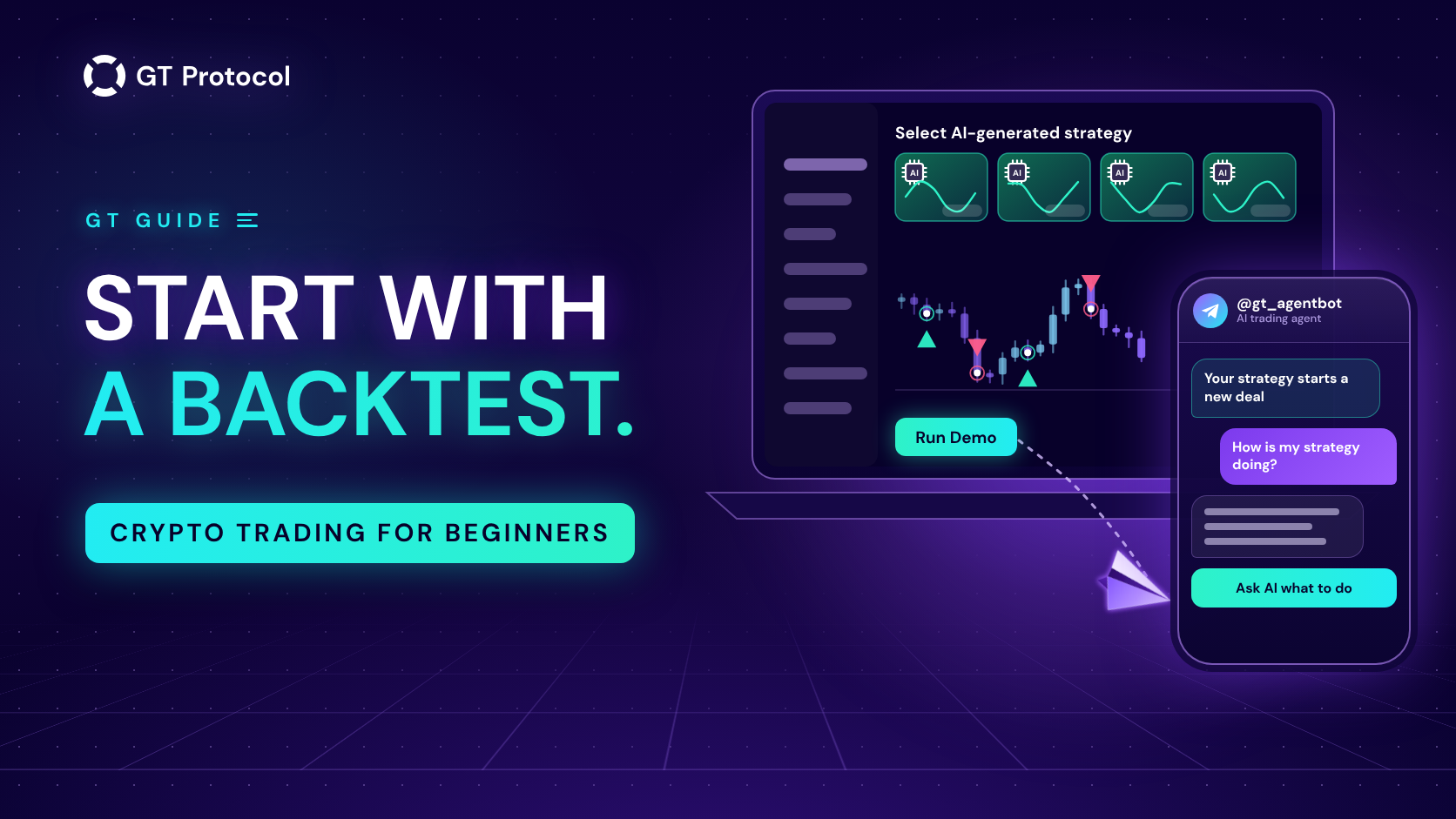
To start crypto trading as a beginner, test before you trade. Choose a coin and simple rules, check them on past prices in a free backtest, watch them trade live prices in demo with virtual money, and only then put a small amount of your own on them. An AI agent in Telegram follows every deal with you.
This guide follows that route through the tools we build: GT AI Backtest for testing, GT App for demo and real trading, and the AI agent @gt_agentbot for notifications and questions. None of the steps makes a strategy profitable, and nothing here is investment advice. It describes the tools as of October 2026.
Table of contents
- What do you need to know before your first trade?
- Step 1: How do you pick a coin and a first strategy?
- Step 2: How do you read your first backtest?
- Step 3: Why run the strategy in demo before real money?
- Step 4: What do you need to trade real money?
- Step 5: What does the AI agent send you in Telegram?
- Step 6: How do you ask the agent for advice?
- How do you decide whether to change a strategy?
- Which tool does which job?
- Frequently asked questions
What do you need to know before your first trade?
A trading strategy is a set of rules: which coin to trade, in which direction, when to enter, when to take a profit and when to accept a loss. A trading bot follows those rules around the clock, so your job as a beginner is not to watch charts all day but to choose rules and judge how they behave. You learn that by testing in the same order every time: on past prices, then on live prices with virtual money, then with a small amount of real money. A backtest shows how the rules would have traded history. Demo shows how they trade the market as it is now. Only real trading shows real fills, real fees and how you react when a deal goes against you.
| Stage | What it shows | Your money |
|---|---|---|
| Backtest | How the rules would have traded past prices | Not used |
| Demo | How they trade live prices, with simulated orders | Not used |
| Real | Real fills, real fees and your own reactions | At risk |
A handful of terms come up from the first screen:
| Term | What it means |
|---|---|
| Long and short | A long gains when the price rises, a short gains when it falls |
| Entry signal | The rule that opens a deal, usually an indicator reaching a set condition |
| Take profit | The price move at which a deal closes in profit |
| Stop loss | The price move at which a deal closes at a loss, to cap it |
| Safety orders | Extra orders that add to a deal when the price moves against it, shifting the average entry price |
| Leverage | Trading a position larger than your own money. Gains and losses grow alike, and a futures position can be liquidated |
| Timeframe | The length of the candles the rules read, from one minute to one day |
In GT App, leverage is available only on futures; Spot vs Futures vs Perps: A Beginner’s Guide explains the difference.
Step 1: How do you pick a coin and a first strategy?
You can pick both on GT AI Backtest, our free backtesting website. It runs in the browser, needs no account and re-runs the test as you change the settings. You can set up a first strategy yourself or start from one that an AI model has prepared.
Set it up yourself. On a computer, the settings sit in the left panel. Under Market Setup, keep Binance and pick a coin in Symbol: BTC, ETH and SOL are one click away, and the list holds the other pairs. Choose the Date Range and the Timeframe, set Take Profit and Stop Loss, and pick the Direction, long or short. On a phone, the coin’s name above the chart opens the list of pairs, and the main settings sit under the chart. Which coin to test is your call; a pair you can follow on a chart makes the bot’s deals easier to check.
Let an AI model pick. Section 1 of the page, Select AI-generated strategy, shows cards from four AI models, labelled Claude, OpenAI, Gemini and Grok. On a phone, they are the row of cards at the top. Every hour, each model reads current Binance market data, chooses a coin and a timeframe, proposes settings, backtests them on the last 30 days and gets two more tries to improve the result. A card shows that model’s most profitable strategy of the day, and Run loads its settings and its backtest.
The percentage on a card is therefore the best of many attempts on one past month, often with leverage. A result chosen that way looks good by construction and says little about the month ahead. Treat a card as a starting point to study, not as a forecast or a recommendation.
In Telegram, the AI agent’s Build me a strategy does the same from live data and shows a card with a Demo button. It tries up to five setups and doesn’t show one that lost money in its test, so the same caveat applies. Free AI Crypto Backtesting gives a longer tour of the site.
Step 2: How do you read your first backtest?
A backtest replays your rules on past candles and shows the deals they would have made. On GT AI Backtest the result sits next to the chart: Total trades, Win rate, Avg Profit/Trade and PnL in percent and in USDT, or Trades, Win Rate and PnL on a phone. The chart marks every buy and sell. On a computer, Deals details under it lists each deal with its entry, its exit and whether it ended at Take Profit or at Stop Loss. The test deducts an estimate of trading fees and slippage, which you can adjust under Fees & Slippage. Looking at PnL alone is the easiest mistake to make. These checks tell you more:
| Check | Why it matters |
|---|---|
| Number of trades | A few deals can be luck; dozens say more about the rules |
| The losing deals | One stop loss can cancel several take profits. Look at the worst deal, not only the count |
| Leverage and position | Leverage multiplies gains and losses alike. Compare Total Position Value with your capital |
| A longer period | Switch Date Range to 3 or 6 months. Rules that work in one month only are fragile |
| How it was found | Settings tuned to fit the past, by you, an optimizer or an AI model, tend to look better than they trade |
The optimizer, Optimize Strategy on a computer and GT AI Optimizer on a phone, searches for the settings that did best on the same past data. Its winner is the setup most closely fitted to that past, so check it on another period before you rely on it. How to Read a Backtest Report (and Why Results Lie) goes deeper.
Step 3: Why run the strategy in demo before real money?
Demo, also called paper trading, runs your strategy on live prices with a virtual balance. It opens and closes deals the way it would with real money, but the orders are simulated and nothing reaches an exchange, so it needs neither an exchange account nor a paid plan. A backtest already knows how the market moved. Demo meets prices nobody has seen yet, which makes it the first test your rules can’t be tuned for in advance.
To move a strategy from GT AI Backtest into GT App, press Run Demo or Review and Start Trading under Activate strategy, or Launch Trading at the bottom of the screen on a phone. Then log in or create an account. For a Binance strategy on an account without a paid plan, each of these buttons ends the same way: GT App saves the strategy in My Strategies as a demo strategy and starts it. It may also offer you a plan for real trading; Stay on demo keeps you testing. A Hyperliquid strategy has no demo button on the site, and GT App first asks you to connect a Hyperliquid account.
While the demo runs, watch four things:
- how often it opens deals, compared with the backtest;
- how far a deal goes against you before it ends, and how many safety orders it uses;
- how long deals stay open;
- whether you would be comfortable holding the worst deal with real money.
There is no fixed length for a demo run; give it time to finish several deals, including one that goes against you first. Demo fills are simulated, so real ones will differ. Paper Trading Your First Bot covers what demo proves and what it doesn’t.
Step 4: What do you need to trade real money?
Trading real money in GT App takes two things: an exchange account connected to GT App and a paid plan. Your money stays on your own exchange account. GT App trades it through a connection that can place and cancel orders but can’t withdraw, and you can remove that connection on the exchange side at any time. GT App works with Binance and Hyperliquid, and for a new account the entry plan costs $5. With both in place, Launch real on your demo strategy’s card copies the demo’s settings into a new real strategy on your exchange account, starts it and removes the demo. The real strategy then waits for its own entry signal.
How to Buy a GT App Membership in Telegram lists the plans. The connection guides are How to connect your Binance account to GT App and How to Set Up a Hyperliquid Trading Bot, Step by Step.
How much to put in is your decision. One deal can use its start order plus every safety order it may add, and How Much Money Do You Need to Start a Crypto Trading Bot? shows how to count it. A real strategy can lose money, up to all of the funds it trades, and on futures with leverage the exchange can close a position by liquidation. Real results will differ from the backtest and the demo, because real orders fill at real prices and pay real fees.
Step 5: What does the AI agent send you in Telegram?
The AI agent is GT App’s Telegram bot, @gt_agentbot. Connect it from GT App: open Profile, find the AI Trading Agent block, tap Activate AI and press Start in the chat that opens. From then on, notifications about your demo and real strategies arrive in that chat: a deal started, a take profit executed, a deal completed with its result, a strategy launched or stopped, a lost connection to the exchange. A daily report at 11:00 your time sums up the real-money deals that ended in the last 24 hours, and it comes only when that sum is above zero.
One setting matters while you learn. With Send All notifications off, which is how new accounts start, Telegram tells you when a deal closes at take profit, but not when a stop loss closes it or the exchange liquidates the position. Those losing exits are the ones a beginner most needs to see. The Send All notifications switch sits in the AI Trading Agent block of Profile; it also adds every order placed or cancelled, so expect more messages. Telegram Notifications in GT App lists what arrives in each mode.
Step 6: How do you ask the agent for advice?
The same chat answers questions about your strategies. Write the way you would to a person, for example “how is my ETH strategy doing?”, or use the buttons. Portfolio Review gives the state of each strategy, with warnings such as safety orders nearly used up. On a strategy card from My Strategies, which /status also opens, Ask AI what to do gives a short take in three parts: how the strategy is doing overall, what is happening in its current deal and what the agent would do. The figures in it come from your account.
Some decisions can be carried out in the chat. Close deal now closes the open deal at market after you confirm it, Smart Exit can be switched on from the card, a stopped strategy can be restarted, and you can ask the agent to stop one. A demo strategy’s card also has Trade for real. Settings such as take profit, safety orders or leverage are changed in GT App; More in GT APP on the card opens the strategy page there.
Treat the agent’s take as a second opinion from software. It reads current market data and your strategy’s numbers, it doesn’t know what the market will do next, and the decision stays with you. AI Trading Agent in Telegram: What It Can and Can’t Do covers the agent in full.
How do you decide whether to change a strategy?
You decide whether to change a strategy by naming the problem first and then testing one change at a time. Are deals staying open too long, are the losses too deep, or are there too few deals? Change one setting, so you know which change did what. Re-run the backtest with it on a longer period before you apply it, and try it in demo before it reaches a real strategy. Write down what you changed and why. And decide what you will do when a deal goes against you before it happens, not in the middle of it.
Two buttons in GT App are easy to confuse. Stop only stops the strategy from opening new deals, and the open deal ends the way it would have ended anyway. Close Deal ends the open deal at market, and the strategy keeps going and opens its next deal by its own rules. To leave the market completely, press Stop first and then Close Deal. How to Manage an Active Deal in GT App covers what you can still change while a deal is open.
Some signs and the settings they usually point to:
| You notice | Check | Try next |
|---|---|---|
| Deals stay open for days | How far price went against the entry, safety orders used | A different take profit or timeframe |
| One loss cancelled several wins | Stop loss against take profit | A different balance between the two |
| Very few deals | Timeframe and entry signal | A shorter timeframe |
| A position was liquidated | Leverage and position size | Lower leverage or smaller orders |
Run each idea through a backtest and a demo before you apply it to real money.
Which tool does which job?
GT AI Backtest tests ideas on past prices. GT App runs strategies in demo or with real money and holds every setting, and Create Strategy in its side menu opens a builder with its own backtest, described in Backtest and Launch a Futures Strategy in One Screen. The AI agent in Telegram reports deals, answers questions and takes simple actions. Whichever tool you start from, a strategy you launch ends up in My Strategies in GT App.
| Job | Where |
|---|---|
| Test an idea on past prices | GT AI Backtest, or Create Strategy in GT App |
| Get a strategy idea from AI | The AI-generated strategy cards, or Build me a strategy in Telegram |
| Run it on live prices without money | Demo in GT App |
| Trade real money | GT App, with a plan and a connected exchange |
| Follow deals as they happen | Notifications in Telegram |
| Get a second opinion | Ask AI what to do and Portfolio Review in Telegram |
| Change settings | The strategy page in GT App |
Frequently asked questions
Do I need trading experience to start?
No. The route starts with tests that use no money, and the terms you meet first are explained above. Experience comes from watching your own rules trade, and it doesn’t guarantee results either: experienced traders lose money too.
Is it free to start?
Testing is free. GT AI Backtest needs no account, and demo strategies in GT App need neither a plan nor an exchange account. Trading real money needs a paid plan, from $5 for a new account, and every real trade pays trading fees.
Can the AI choose a profitable strategy for me?
No. The AI-generated strategies and the agent’s suggestions are produced by software from past and current market data, and each shows the best of several tries on recent history. They are starting points to test, not recommendations, and any strategy can lose money.
How long should a strategy stay in demo?
There is no fixed period. Keep it in demo until it has finished several deals, including one that went against it before it ended, and until you know how you would feel holding that deal with real money.
Does GT App hold my money?
No. Your funds stay on your own exchange account, and GT App trades them through a connection that can’t withdraw. Non-Custodial Trading Bots: Keep Your Keys explains why that matters.
Is this article investment advice?
No. GT Research publishes it for information. GT Protocol provides software, not financial, investment, tax or legal advice. Strategies, AI suggestions and backtest results are tools for your own decisions, and every trading decision is yours.
Where to start
Open GT AI Backtest, load one of the AI-generated strategies or set up your own, and read its backtest with the checks above. Move it into demo in GT App, connect the agent in Profile, and watch a few deals arrive in Telegram. Go live only once you understand how your strategy behaves, and only with an amount you can afford to lose.
This article is published by GT Research for information. It is not financial advice, and nothing here is a forecast or a promise of returns. Backtests, AI-generated strategies and demo results are simulations on past or live prices and don’t predict how a strategy will perform with real funds. Trading digital assets, and futures with leverage in particular, carries a risk of losing some or all of the funds committed. GT Protocol provides software, not financial, investment, tax or legal advice. GT App is not available in every jurisdiction; the Terms of Service list the restrictions.