How to start
In this article, we will consider what full platform access for $5 gives you and a simple registration procedure.
Full platform access for $5
See your first profit in just 10 minutes with full platform access for just $5. No payment details required.
The free trial that used to be granted at registration is no longer issued. Its place has been taken by the x10 plan: a one-off $5 payment that unlocks exactly the same functionality the trial used to give. In addition to demo strategies, you will have the option to connect your personal Binance account using API Keys.
After connecting the exchange, you can create and activate your own strategy or connect any copy strategy from our Marketplace.
What the $5 plan includes:
- connecting 2 exchange accounts via API
- copying of Top strategies with no limit on the number
- creation of 2 spot strategies
- creating 2 futures strategies
- leverage up to x20
- a $50 profit limit: the plan has no expiry date and stays active until your profit reaches $50 — ten times what you paid for it.
Your money never leaves your own exchange account: GT App connects with trading-only API access, so everything you earn is yours to withdraw at any time.
Once you reach the $50 profit limit, you will be able to choose the appropriate type of Membership with the necessary set of parameters for trading — the prepaid x2, x3 and x5 plans raise the profit limit to $100, $300 and $1000 respectively, and the Unlimited plan removes it altogether.
Demo (paper) strategies stay free on every registered account, so you can rehearse a configuration before you put money behind it.
To all new users, we recommend to start using the strategy with min. trading amount and min. leverage and increase them after 2-3 days of trading.
We also recommend to launch 2 strategies: short and long at the same time for a better understanding of how the strategy works in different market directions.
After 10-15 completed deals new users obtain an understanding of how strategy works and operates, so as understanding came - the trading amount could be increased.
If you will have any questions or need any help/assistance in setting up your first strategies - please can contact our VIP manager in Telegram at @GT_App_Support_Team.
We also invite you to join our Telegram community chat. In this chat we discuss market trends and share relevant trading strategies 24/7.
Registration
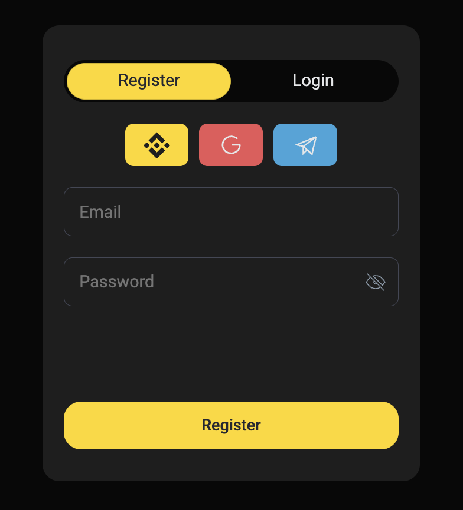
You can choose the appropriate registration type from the following:
1. Signing up with a Binance account
You can create a GT App account by linking your Binance account. This type of registration is possible thanks to our close partnership with the Binance exchange.
To do this, you need to use the “Register with Binance” button, after which you will be redirected to the Binance login page. Go through the standard login procedure to your Binance account. The GT App platform will not receive your Binance login details. The exchange will only give us your account’s public ID, and as such, your GT App account will be linked to your individual Binance ID. This works exactly the same as registering with Facebook or a GMail account.This registration method is absolutely safe and does not threaten your personal data and money.
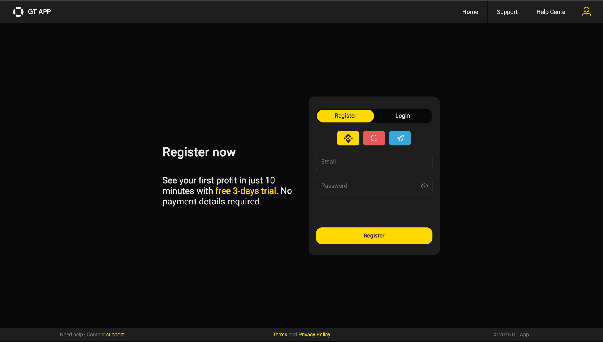
This type of registration greatly simplifies the process of connecting API keys to our platform. You do not need to manually create API Keys in the Binance API Connection Manager, they will be generated automatically. Once registered, your account will be ready to trade GT App strategies.
A few notes:
-
using this connection, you can create only 1 API keys
-
To create API Keys, you need to uncheck the Default Security Conditions in the Binance API Key Manager.
2. Enter your email and password at the registration page and press the “Register” button.
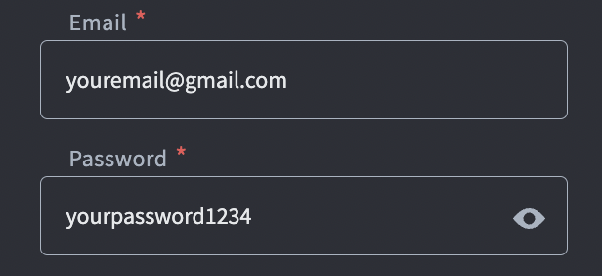
Note: After registration, you will receive a confirmation email. Please follow the link in the email to confirm your email address. You will have 48 hours to confirm your email.
3. Or simply use a one-click registration via social networks.