
Knowledge Base · Getting Started
I have connection error. "Binance API is not responding"
Please disable hedging mode on your binance account and try to start your strategy again.
-
Login to you Binance futures account
-
Go to Perferences
-
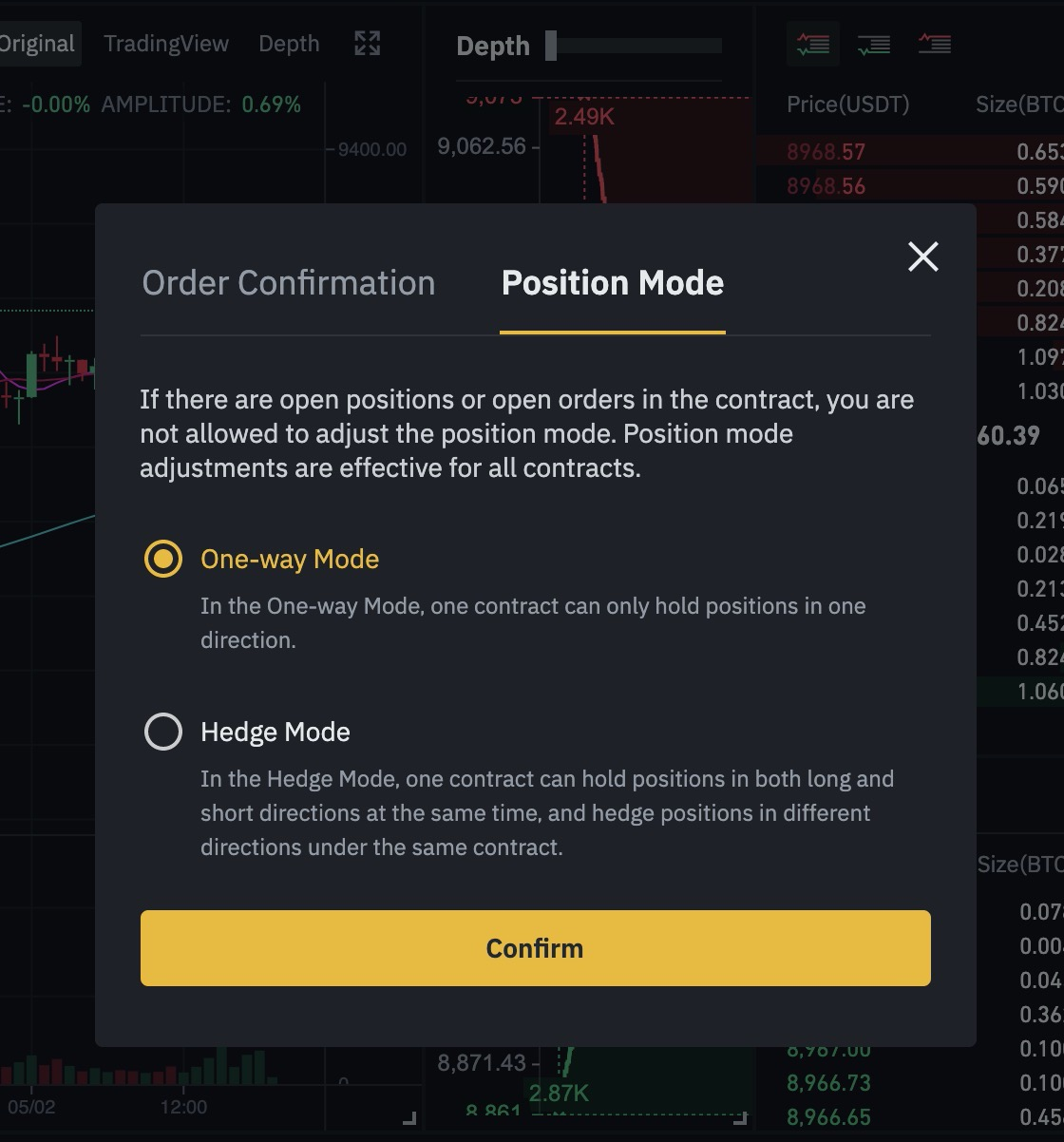
Swithch to Position mode tab
-
Select One-way-Mode
Next: 5. How to launch several Futures strategies at the same time?