
X Added a Trade Button. What Happens After You Tap It
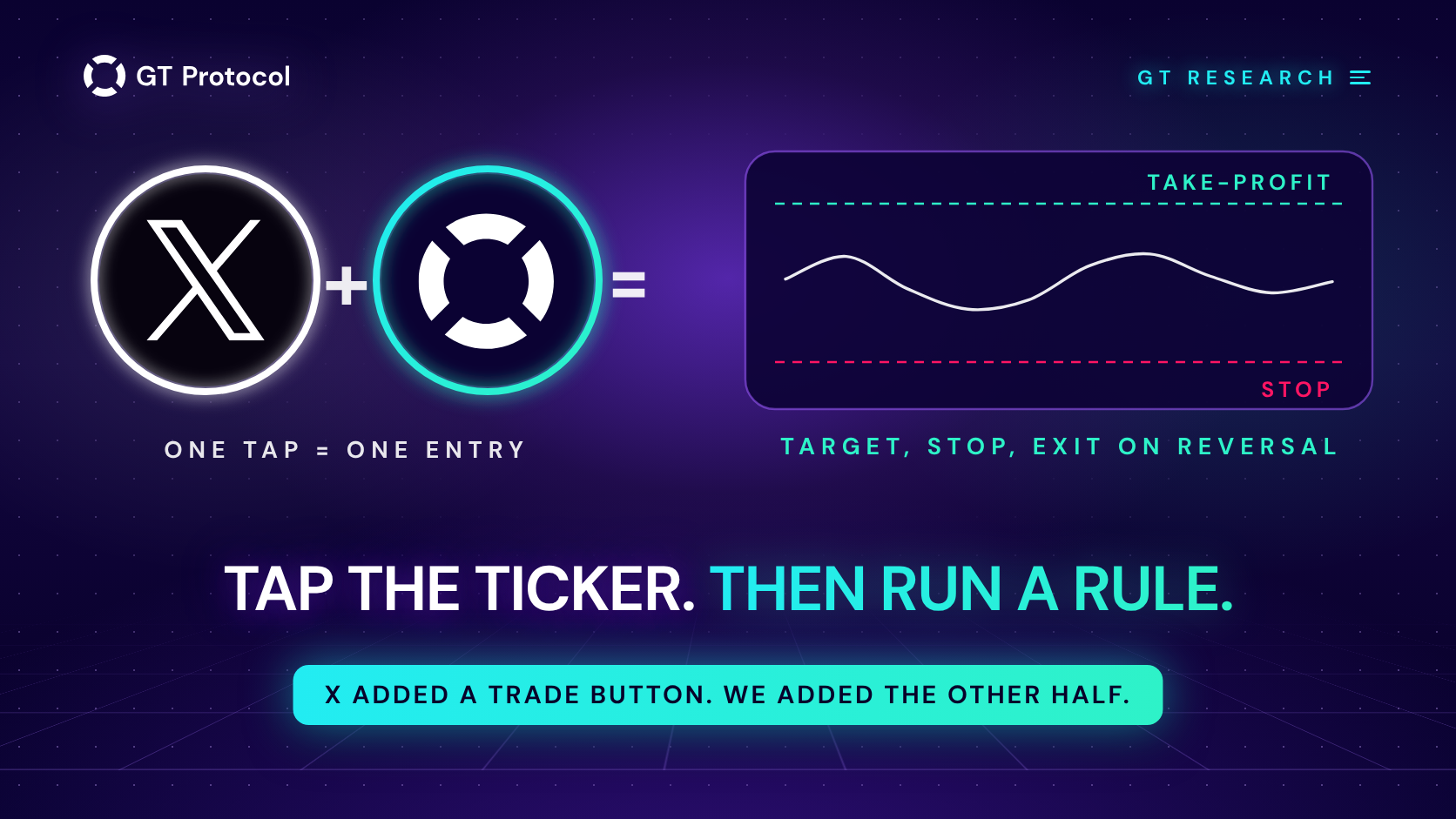
X added a Trade button to cashtags. Tap $BTC in the timeline and you get a live chart, the posts about it, and a handoff to Coinbase, Kraken, Gemini, Interactive Brokers or Moomoo. X does not place, settle or hold anything. It solves the entry. Whether the idea ever worked is something you can check before you tap.
This guide covers what X launched and who does what after the tap, what our own measurement of 214 attention days says about the timing a feed gives you, how the same entries looked under different exit rules, and how to run a ticker from the timeline through a backtest before any money moves. The figures were measured on September 23, 2026.
Table of contents
- What did X actually launch?
- Who does what after you tap Trade?
- Does a ticker trending in your feed tell you where the price goes?
- What changes when you add an exit rule?
- How do we check a ticker from the feed before tapping?
- What about crypto and stocks in one feed?
- Frequently asked questions
What did X actually launch?
X announced the Cashtag Partner Program on September 15, 2026, and the Trade button went live for users in the United States the week after, reported as working on September 22. Five launch partners are in it: Coinbase, Kraken and Gemini on the crypto side, Interactive Brokers and Moomoo on stocks and ETFs. Tapping a supported cashtag such as $BTC or $TSLA opens a live price chart and the posts about that asset, with a Trade option next to it. That option hands you to the partner’s app or website, where you log in or open an account and place the order there. Gemini said its route covers stocks plus five tokens (ZEC, HYPE, BTC, ETH and SOL), and Kraken said any crypto cashtag sends a US user to Kraken. X’s product engineering lead described cashtags as closing the gap between a ticker on the timeline and the market itself.
The detail most retellings skip is the one that matters for a trader: X does not execute. It does not hold your money, it does not run the order, and it is not the counterparty. In our reading, X built distribution, not a terminal. The timeline now ends one tap away from a broker’s order screen, and everything a trade actually needs after that order still has to come from somewhere else.
Who does what after you tap Trade?
Three parties are involved, and each one covers a different piece.
| Party | What it gives you | What it does not |
|---|---|---|
| X | The ticker, the chart, the posts, the tap | Execution, custody, any view on size or exit |
| The broker | The order, the account, custody, fees | A reason to buy, a stop, a plan for the position |
| You | The decision, the size, the exit | Nothing is delegated by default |
Read that table downwards and the gap is easy to find. The feed is very good at telling you what to look at right now. The broker is very good at filling the order. Between them, nobody is responsible for the second half of the trade: when to close, what to do at minus twenty percent, and whether this idea was ever worth taking. That half decides how the position ends, and it arrives with no interface at all.
Does a ticker trending in your feed tell you where the price goes?
We can measure this, so we did instead of guessing.
Nobody outside X can see cashtag volume, so we used the market’s own attention proxy: a day that closed 5% or more above the previous close. Such a day is what puts a ticker in front of people, in a timeline or anywhere else, and it is reproducible from public price data. We took four assets people actually see as cashtags (BTC, ETH, SOL and DOGE), daily candles from Binance, and every attention day between August 25, 2024 and August 24, 2026: 214 of them. The median spike was 6.8%, the largest 26.9%. Each entry was priced at the close of the spike day, which is roughly when the posts reach you. We then measured the next 7 and 30 days, and compared them with the same windows opened on every other day of the same period (2,920 day-entries).
| Ticker | Spikes | 7-day median | Deepest dip |
|---|---|---|---|
| BTC | 16 | +1.6% | -3.6% |
| ETH | 57 | -0.8% | -5.8% |
| SOL | 69 | -0.6% | -6.6% |
| DOGE | 72 | -2.1% | -8.5% |
| All four | 214 | -0.8% | -6.8% |
| Any day | 2,920 | -0.2% | -5.4% |
The last row is every other entry day in the same two years, all four tickers together, as a baseline. “Deepest dip” is the median of the worst point each entry went through inside its first week, measured from the entry price. The share that was higher a week later came out at 69% for BTC, 46% for ETH, 48% for SOL and 42% for DOGE. BTC’s 16 spikes are too few to carry a conclusion on their own, and we are not drawing one from that row.
Two things stand out in our sample. First, the direction was a coin flip, and the same coin flip you got on any other day: 47% of attention entries were higher a week later, against 49% for an ordinary entry. Second, the ride was rougher. The median attention entry sat through a 6.8% dip in its first week against 5.4% for an ordinary one, a third of them (33%) were at least 10% underwater inside that week against a quarter (26%) of ordinary entries, and over 30 days that share reached 60%.
Our reading: the timing a feed hands you is not information about direction. What it does add is a position you have to sit through, taken at the moment the move is already on the screen. That is not a judgement about X, or about any other feed. It is what attention is: a report that something has already happened.
What changes when you add an exit rule?
Same 214 entries, same 30 days, four ways of leaving. Three of them are plain arithmetic on the daily candles: a take-profit and a stop at fixed distances, whichever came first, with the stop counted first when one day touched both levels. The fourth is no rule at all, the way most feed ideas are held.
| Exit rule | Ended up | Average | Worst case |
|---|---|---|---|
| No rule, held 30 days | 50% | +6.4% | -41.4% |
| Take-profit 5%, stop 10% | 66% | +0.1% | -10.0% |
| Take-profit 5%, stop 5% | 49% | -0.1% | -5.0% |
| Take-profit 3%, stop 3% | 42% | -0.5% | -3.0% |
The median time in the trade went from 30 days with no rule to 3, 2 and 1 day for the three rules. Fees and slippage are not included anywhere in this table, and they hurt the short variants most.
Three readings we take from it. The +6.4% average on the top row is not a result, it is five entries: five DOGE spikes in October 2024 returned between 128% and 203% over the next month, and without those five the average of holding drops to +2.7%, while the worst single entry lost 41.4%. The take-profit 5% with a 10% stop ended up two times out of three and still averaged about zero, which is the oldest trap in this business and the reason we wrote a separate piece on win rate versus average profit per trade. And none of the rules turned a coin flip into an edge: they changed the shape of the outcome, not its sign.
That is the honest version of what an exit rule does, and it is exactly the part the Trade button leaves out. The tap decides one number, your entry price. The rule decides how long your money is tied up, how bad the worst case is allowed to be, and whether a losing month is survivable. In our view that is the useful way to read this launch: X made the entry one tap cheaper, and left the expensive half untouched.
How do we check a ticker from the feed before tapping?
We do not think a ticker from a feed is a bad starting point. It is a starting point, and the cheapest thing you can do with it is find out how that idea behaved the last few hundred times before you put money behind it. That check takes about five minutes in GT AI Backtest, it is free, and it does not ask you to create an account.
Step one: test the idea, not the feeling. Take the ticker you just saw, pick the entry condition that matches what the post is claiming (a breakout, an oversold bounce, a trend that just turned), run it over the last year of minute data with fees and slippage switched on, and read the result with our guide to backtest reports. Look at the worst stretch and the number of trades first, because a strategy with six trades and a good total tells you nothing. A backtest is a record of the past and not a forecast, which is exactly why it is worth more than a timeline: it shows you the losing months the posts never mention.
You do not even have to leave the feed to do it. GT runs an X account that answers tagged requests with a backtest: post the idea in plain words, tag it, and the reply comes back with a summary and a link to the full result. So the honest alternative to tapping Trade on a cashtag is one post in the same app, and our guide to free AI backtesting walks through both routes.
Step two: write the exit before the entry. A position needs a take-profit, a stop, a ladder of safety orders if you plan to average into weakness, and an answer for a reversal that arrives before your target, which is what our Smart Exit does. The numbers in the table above are examples of how exits behave, not settings we recommend to anyone.
Step three: let a rule execute it, not a mood. The point of a bot is not prediction. It is that at 3am, after the third red candle, something follows the plan you wrote when you were calm. Start it on paper first: a demo bot in GT App runs the same logic on live prices with no money at risk, and it costs nothing to find out that a rule you liked is unpleasant to live with.
Step four: keep the keys. Whatever you run, check what it can do with your account. Our bots connect through exchange keys without withdrawal rights, the funds stay on your exchange, and we explain why that boundary matters in non-custodial trading bots. A feed that hands you to a broker does not change custody at all, and it is worth knowing where yours sits.
And when a ticker arrives with a crowd attached, check who is doing the shouting: our guide on spotting real traders is a checklist for exactly that moment.
What about crypto and stocks in one feed?
The program puts crypto and equities behind the same tap, and then splits them again. Crypto goes to Coinbase, Kraken or Gemini, stocks and ETFs to Interactive Brokers or Moomoo, so an active reader ends up with several apps, several logins and several sets of rules for one timeline. That split is the part we find most interesting, because it is the part we removed a while ago: in GT App the same bot settings run on crypto and on tokenized stock markets from one account, with the same risk controls and the same exits, and the keys stay with the user.
Whether X eventually executes in-app is a question for X. The change that already happened matters more: a timeline is now one tap from an open position for anyone in the US, and the management of that position is still nobody’s job by default. Our reading is that the tap became the easy part, and the exit is still the part nobody hands you.
Frequently asked questions
Can I buy bitcoin inside X now?
Not inside X. Tapping a cashtag shows a chart and the related posts and offers a Trade option that routes you to a partner platform, where you log in or sign up and place the order. The order, the money and the custody live with that partner, and the feature is available to users in the United States.
Which partners are in the X Cashtag Partner Program?
Five at launch: Coinbase, Kraken and Gemini for crypto, Interactive Brokers and Moomoo for stocks and ETFs. Gemini said its route covers stocks plus ZEC, HYPE, BTC, ETH and SOL, and Kraken said any crypto cashtag sends a US user to Kraken.
Does a trending cashtag mean the price is going up?
Our measurement did not find direction in it. Across 214 attention days on BTC, ETH, SOL and DOGE over two years, 47% were higher a week later, against 49% for an ordinary day in the same period. What did differ was the dip along the way: a third of the attention entries were at least 10% underwater within that week. Past behaviour, and nothing about any particular ticker today.
Is it worse to buy after a big green day than on a quiet day?
In our sample the outcomes were close and the drawdown was deeper, which is a statement about 214 past entries, not a rule about the next one. The practical difference is not the odds, it is the discipline: an idea taken from a feed usually arrives without a stop, a size or a target, and those are what decided the shape of the outcome in every variant we measured.
What take-profit and stop should I use?
We do not recommend settings, and any specific pair of numbers in this article is there to show how exits behave, not as advice. The honest way to pick them is to test your own on history with fees on, look at the worst case rather than the win rate, and then run the result as a demo bot before it touches real money.
Does a trading bot replace the decision to buy?
No. It replaces the execution of a decision you have already written down, and it does that the same way at 3am as at noon. If the rule is bad, a bot will follow it precisely, which is why the backtest comes first.
Is this article investment advice?
No. It is published by GT Research for information. GT Protocol provides software, not financial, investment, tax or legal advice. The measurements describe past price behaviour and say nothing about the next trade, and any settings mentioned are examples of how the tools work.
Where to start
Take the last ticker that caught your eye in a timeline, and before you tap anything, run it through GT AI Backtest. It is free, it needs no account, and five minutes there tell you what a Trade button cannot: what this idea did over the past year, fees included, including the stretch where it lost. If the result still interests you, write the exit down, then start it as a demo bot in GT App and let it run through a week you did not choose. The tap will always be there. The rule is the part you have to build once.
This article is published by GT Research for information. It is not financial advice, and nothing here is a prediction or a promise of returns. The measurements describe past price behaviour on a fixed sample and can differ in any other period. Trading digital assets carries a risk of losing some or all of the funds committed. GT Protocol provides software, not financial, investment, tax or legal advice. GT App is not available in every jurisdiction; the Terms of Service list the restrictions.