Exchanges & connectivity
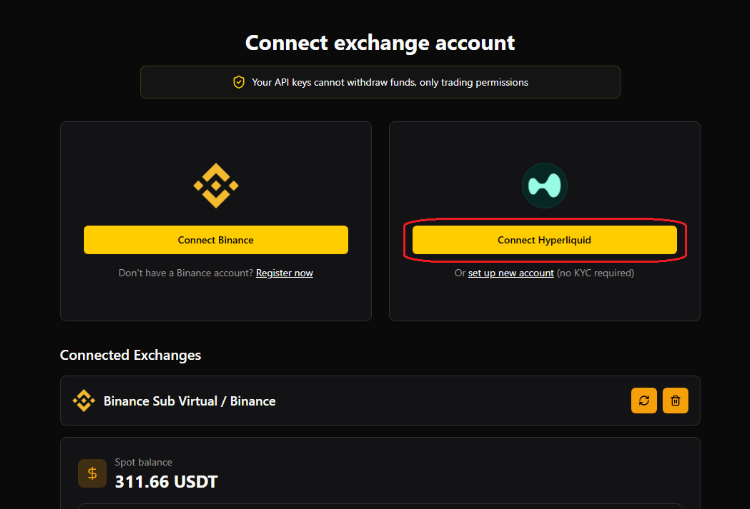
2. Link your Hyperliquid to GT App account
Please keep in mind that to proceed with this step, you must complete the previous instructions.
Please keep in mind that to proceed with this step, you must complete the previous instructions.
Open your GT App account at the Exchange accounts page in order to specify the details.
In order to proceed, you need to specify three different things:
-
wallet address
-
private keys
-
exchange connection name
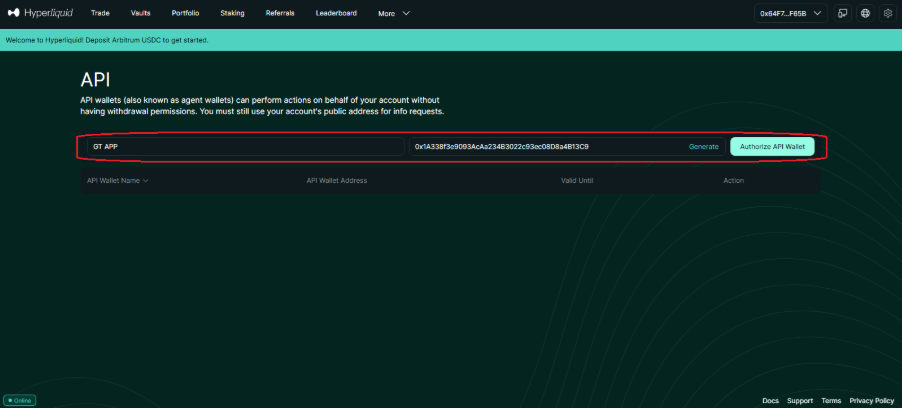
1) You can copy the wallet address here as it is visible in the picture below:

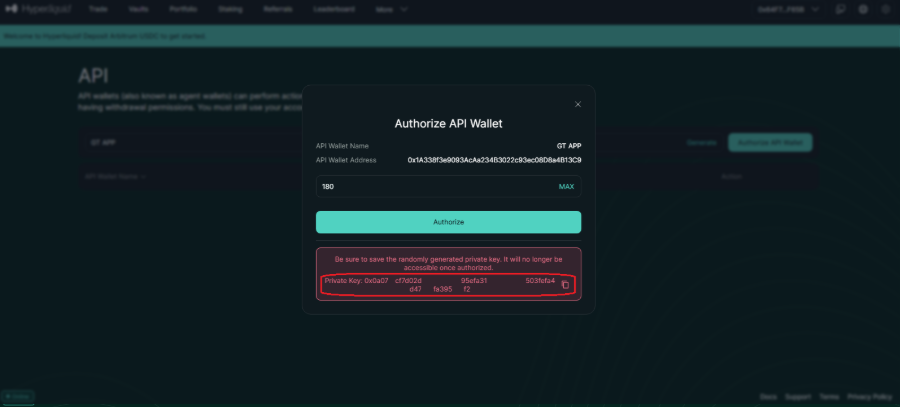
2) Create API keys and find your private key.
3) Specify the information above at your GT App account and give a preferred name to the exchange.