


8. How to connect your Telegram account to receive Telegram notifications and trading reports from your strategy
For your convenience, we've created a telegram bot. His purpose to notify you about the state of your deals and your strategies . 1.
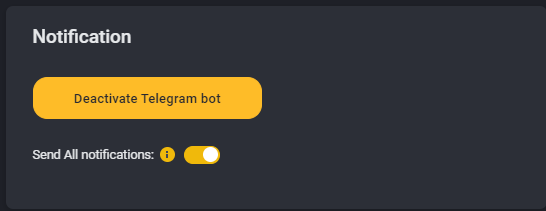
For your convenience, we've created a telegram bot. His purpose to notify you about the state of your deals and your strategies.
1. Click "Profile and Telegram" bot in the side bar menu.
2. Click "Activate Telegram Bot" button.
3. If you try to active the Telegram bot from your PC - you need to have installed telegram on your PC.
If you don't want to instal Telegram on your PC - you can activate the bot using your phone (log in to the platform from your mobile phone browser and repeat previous actions)
4. After that please open the page ""Step 3. Telegram" again and make sure that Telegram notifications are enabled.
5. Now the bot will send all trading reports and logs to your telegram account. You also can pause/launch/edit settings of your active strategy from your Telegram using your mobile phone.